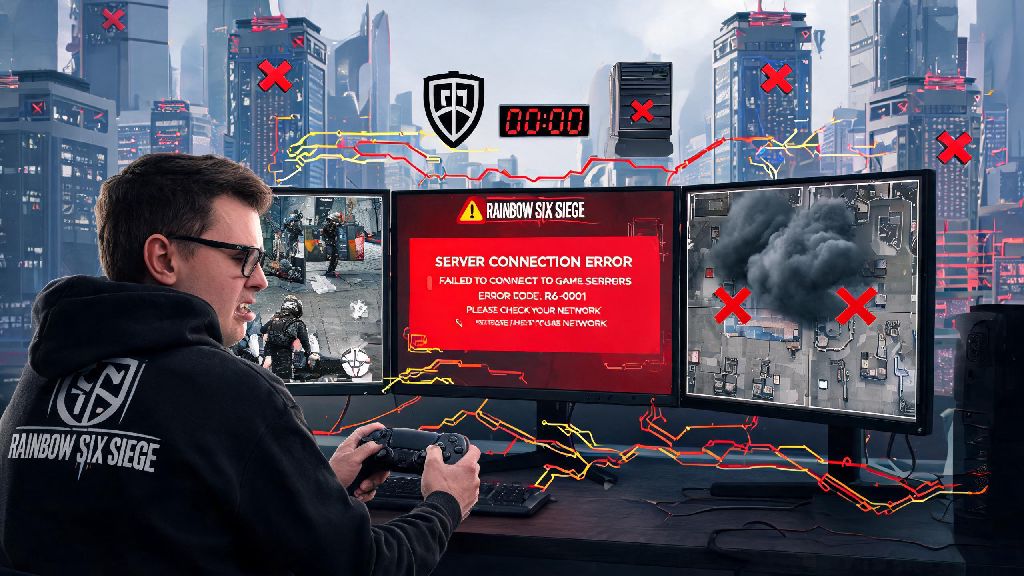
You’re mid-ranked push, 10 seconds left to plant the defuser, and suddenly you get booted to the main menu with a server connection error. We’ve all been there, and the first thought that pops into your head is almost always why are the rainbow six siege servers down. This isn’t just a minor annoyance, especially if you’re grinding for a higher rank or playing with a full stack of friends who were counting on you to close out the round. We’ll break down the most common causes of outages, how to check if the problem is on your end or Ubisoft’s, and what you can do to minimize downtime when servers go offline.
Top Reasons Why Are the Rainbow Six Siege Servers Down
If you’ve ever logged on to play only to be greeted with a connection error, you’ve probably wondered why are the rainbow six siege servers down at least once. The most common cause by far is scheduled maintenance, which Ubisoft runs regularly to roll out patches, fix game-breaking bugs, add new operators or maps, and update anti-cheat systems. Scheduled maintenance is the most common cause of planned server downtime, usually lasting between 1 and 3 hours depending on the size of the update, and it’s almost always announced 24 to 48 hours in advance on official R6 Siege social media channels.
Next up is unexpected server overload, which almost always happens during big in-game events. New season launches almost always bring temporary server overload in the first 24 hours post-release, as millions of players log on to test new operators, maps, and battle pass content. Free weekends, pro league finals, and limited-time game modes also draw huge crowds that can overwhelm server capacity, leading to slow load times, frequent disconnections, or full outages for hours at a time.
DDoS attacks are another common cause of unplanned outages. R6 Siege’s large competitive player base makes it a frequent target of malicious groups that launch DDoS attacks to disrupt play, especially during high-stakes competitive tournaments. It’s not just large-scale attacks that cause issues, either. Smaller groups sometimes target specific regional servers to disrupt play for competitive players, leading to isolated outages that only affect players in one city or country for a short period. Regional infrastructure issues, like local ISP outages or routing problems, can also make it look like R6 servers are down even if Ubisoft’s main systems are running perfectly fine.
How to Confirm if R6 Siege Servers Are Down for Everyone or Just You
Before you start troubleshooting your own setup, it’s smart to confirm if the outage is widespread or limited to your connection. The first place to check is the official Ubisoft server status page, which lists real-time uptime for all platforms including PC, PS5, Xbox Series X/S, and older consoles. The page also notes scheduled maintenance windows and ongoing outages, with regular updates from Ubisoft’s support team as issues are resolved.
You can also check third-party outage trackers that aggregate user reports from thousands of players to show outage hotspots across different regions and platforms. If you see hundreds of reports from other players in your region within the last 10 minutes, it’s almost guaranteed that the servers are down for everyone, and you don’t need to waste time troubleshooting your own connection. If there are no reports from other players, the problem is likely on your end.
Always rule out local connection issues first before assuming the problem is on Ubisoft's end, as simple fixes can resolve 30% of apparent server outage issues. Test if other online games work on your device, run a speed test to check for packet loss or slow download speeds, and confirm that PlayStation Network or Xbox Live is online if you’re playing on console. If those services are down, you won’t be able to connect to R6 servers even if Ubisoft’s systems are running perfectly.
Quick Fixes to Try When You Can't Connect to R6 Siege Servers
If you’ve confirmed servers are online for other players but you still can’t connect, these simple fixes will resolve most common connection issues in minutes:
None of these fixes will help if the servers are actually offline, but they can get you back into matches quickly if the problem is on your end. Never download third-party "server fix" tools that claim to get you online during widespread outages, as these almost always contain malware or will get your account banned for violating Ubisoft’s terms of service. If you’re playing on a shared internet connection, make sure no one else is streaming 4K content or downloading large files, as that can eat up bandwidth and cause connection drops that look like server issues.
If you’ve tried all of these fixes and still can’t connect, it’s time to check official status pages again for updates. You don’t want to spend an hour messing with your router settings when Ubisoft already announced servers will be down for 2 more hours for emergency maintenance.
What to Do During Extended R6 Siege Server Outages
When servers are down for multiple hours, you don’t have to just sit around refreshing the status page waiting for them to come back online. Extended outages are the perfect time to catch up on pro league matches or community creator content to pick up new strategies for your next play session. You can learn new operator tricks, map callouts, or retake strategies that will help you win more rounds when servers are back up.
If you’re mid-ranked grind, take the time to review your recent match replays to spot mistakes you’ve been making. It’s much easier to notice bad positioning or poor aim choices when you’re watching a replay instead of playing in the heat of the moment. You can also test out new operator loadouts in terrorist hunt mode if you’re able to connect to offline game modes, to get a feel for new attachments or gadget setups before you use them in ranked matches.
Extended outages are a great chance to take a break and avoid tilt, especially if you’ve been playing for several hours straight. Most players see worse performance after 3+ hours of continuous play, so a forced break can help you come back refreshed and playing better when servers are online again. Some players even use server outages as a chance to practice their aim in other single-player aim trainers, which can help you improve your flicks and reaction time for when you get back into R6 matches. Make sure to follow official Ubisoft R6 accounts for real-time updates on when servers will be back online, so you don’t waste time repeatedly trying to connect.
At the end of the day, server outages are an unavoidable part of playing live service games like Rainbow Six Siege. Knowing why are the rainbow six siege servers down can help you skip the unnecessary frustration, figure out if you can fix the problem on your end in minutes, and make the most of your downtime when you can’t jump into matches. Most outages are resolved within a couple of hours, so you won’t have to wait long to get back to securing rounds, clutching plants, and climbing the ranked ladder.