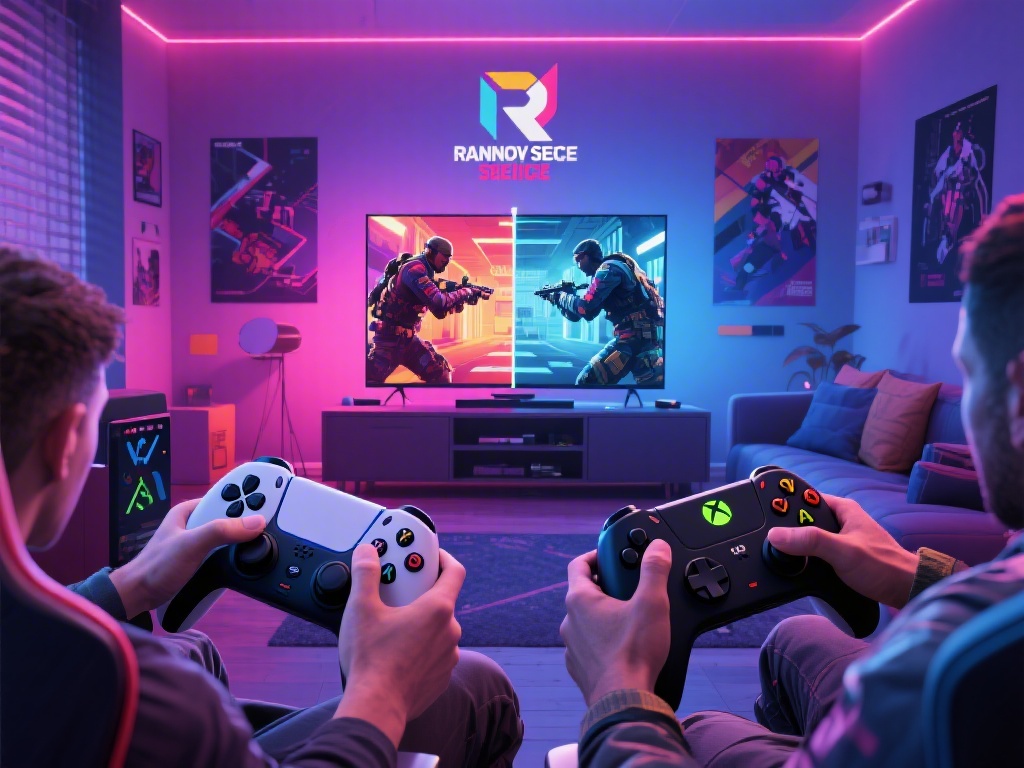
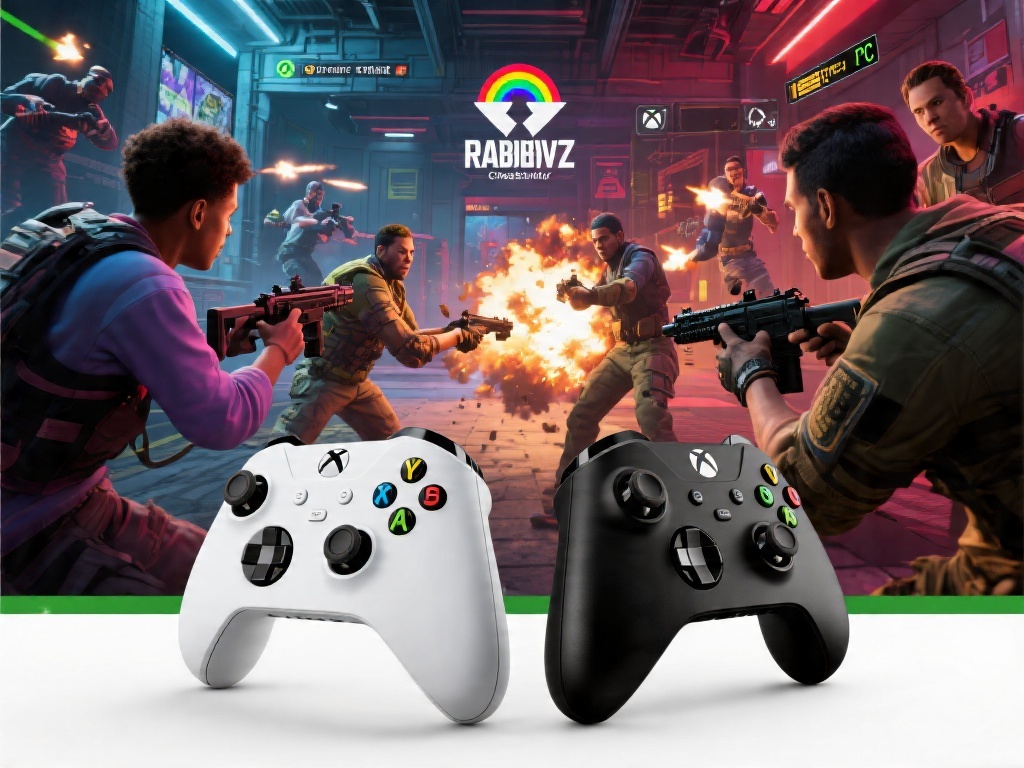
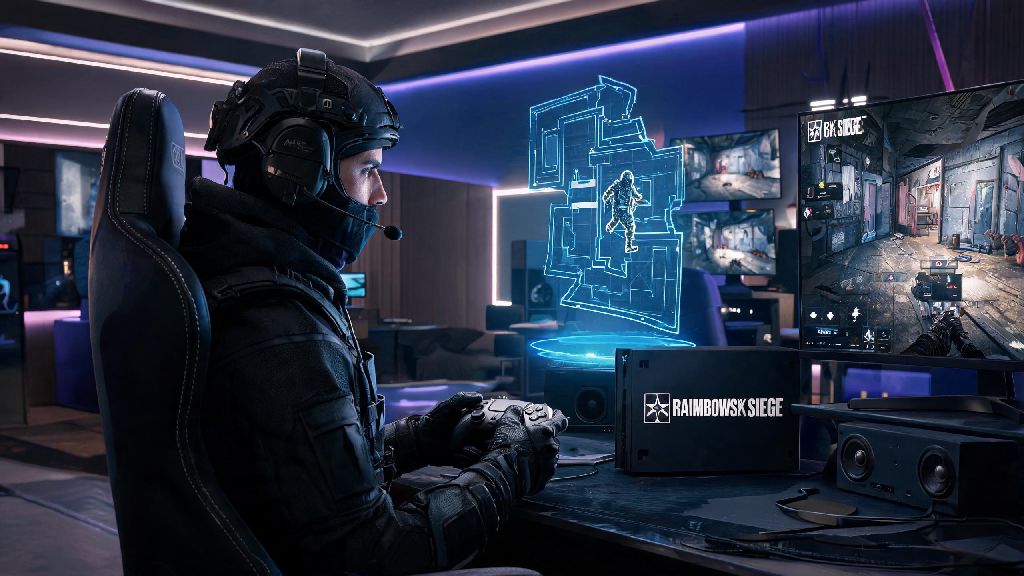
If you’re new to Rainbow Six Siege or switching platforms for the first time, one of the most common debates you’ll run into is whether is rainbow six siege better on controller or keyboard. There’s no universal right answer, but your choice of input can drastically impact your performance, comfort, and overall enjoyment of the game. The best pick depends on a mix of your existing gaming experience, preferred playstyle, and even how you like to set up your gaming space. This guide breaks down everything you need to know to pick the input that works for you, no biased takes included.
Key Differences Between Controller and Keyboard for R6 Siege
The core difference between the two inputs comes down to precision and accessibility. Controller relies on analog joysticks for movement and aim, with built-in software adjustments to make inputs feel smoother for casual play. Keyboard and mouse uses digital key presses for movement and 1:1 direct input for aim, with no built-in smoothing unless you manually enable it in settings. Aim assist strength on controller is the biggest point of contention between players, as it gives controller users a small amount of target tracking help for close to mid-range fights. 1:1 mouse input precision gives keyboard users an edge for long-range shots and fast flicks, with no lag between your hand movement and what happens on screen. That means the two inputs cater to very different playstyles, even if they can both be used to reach the highest ranks of the game. Console players almost exclusively use controller, while PC players are split roughly 75/25 between keyboard and mouse and controller, per recent community surveys.
Pros and Cons of Using Controller for Rainbow Six Siege
Controller is the most accessible input for new players, especially if you grew up playing console games. The first big pro is that it’s far more comfortable for extended casual play, if you prefer sitting back on a couch rather than hunching over a desk. Movement also tends to feel more fluid on controller, as analog sticks let you adjust your walking speed and lean angle with more granularity than binary keyboard key presses. Controller aim assist only activates at close to mid range, so it can be a huge help for holding site angles and fighting off rushing attackers without perfect aim. The biggest downsides to controller are the limited input options and slower flick speed. Most standard controllers only have 2-4 back paddles at most, so you’ll have to use button combos for less common actions like swapping sights or activating secondary operator abilities. Flicking to targets that are far off your center view is also inherently slower on a joystick than on a mouse, which can put you at a disadvantage in high-level ranked play where reaction times matter more. If you’re grinding 3+ hour ranked sessions on controller, you might find your thumb cramping up from constant joystick adjustments, so many players take 5 minute breaks between matches to reset their hands. Casual players looking for a low-effort distraction during these breaks often load up Spin Winner, a quick, casual game that doesn’t require precise input so you can give your thumbs a rest without leaving your desk. I’ve seen Gold-rank players climb to Diamond in a single season after switching to controller from keyboard, just because they were more comfortable with the input and could make more consistent plays even with the minor mechanical downsides.
Pros and Cons of Using Keyboard and Mouse for Rainbow Six Siege
Keyboard and mouse is the default pick for most PC FPS players, and for good reason. The biggest advantage is the raw precision you get from mouse aim, which lets you hit long-range headshots and flick to unexpected targets far faster than you ever could on controller. Customizable key binds cut down on ability activation time by 30% for most players, since you can map every operator gadget, ping, and weapon swap to a dedicated key you can reach without moving your hand away from your mouse. Mouse input has zero aim smoothing unlike most controller profiles, so every adjustment you make translates exactly to your in-game view, no unexpected lag or overcorrection. The main downside is the steep learning curve if you’re coming from a console background. It can take weeks or even months to build up the muscle memory for consistent mouse aim, and you might find yourself performing worse than you did on controller for the first few weeks of practice. Wrist and hand strain is also far more common with keyboard and mouse setups, especially if you don’t have an ergonomic desk setup or take regular breaks to stretch. You don’t need an expensive setup to get good performance out of keyboard and mouse, either. Even budget gaming mice and keyboards will give you faster response times than a standard controller, as long as you adjust your sensitivity settings to fit your playstyle. So which players are best suited for keyboard and mouse?
- You have prior experience playing FPS games on PC and already have existing mouse aim muscle memory
- You prioritize long-range precision and fast flick shots over casual couch play comfort
- You want full customization over every input bind to fit specific operator playstyles
How to Decide if Rainbow Six Siege Is Better on Controller or Keyboard for You
The easiest way to pick the right input is to test both for at least a week each in casual unranked matches, without worrying about your rank or K/D ratio. Play your favorite operators on both inputs, and pay attention to which one feels more natural when you’re peeking angles, holding sites, and fighting off enemies. Your existing muscle memory matters more than any supposed "meta" input, so don’t let other players shame you for picking the one you’re more comfortable with. If you mostly play casual matches with friends and you prefer playing from your couch, controller is almost certainly the better pick. If you’re focused on climbing the ranked ladder and competing in high-level lobbies, you might want to put the time into learning keyboard and mouse, though plenty of top-ranked players still use controller successfully. You also don’t have to stick to one input forever. Many players switch between controller for casual late-night sessions and keyboard and mouse for ranked grinds, as long as they take the time to adjust their settings for each input. Just don’t swap inputs mid-ranked season, as you’ll throw off your muscle memory and likely lose more matches than you win.
At the end of the day, there’s no objective answer to whether is rainbow six siege better on controller or keyboard. Both inputs have their own pros and cons, and both can be used to reach the Champion rank if you put in the practice to master them. The best input is the one that lets you play consistently, comfortably, and have fun, regardless of what the meta or other players say. Test both, adjust your settings to fit your playstyle, and stick with the one that works best for you.