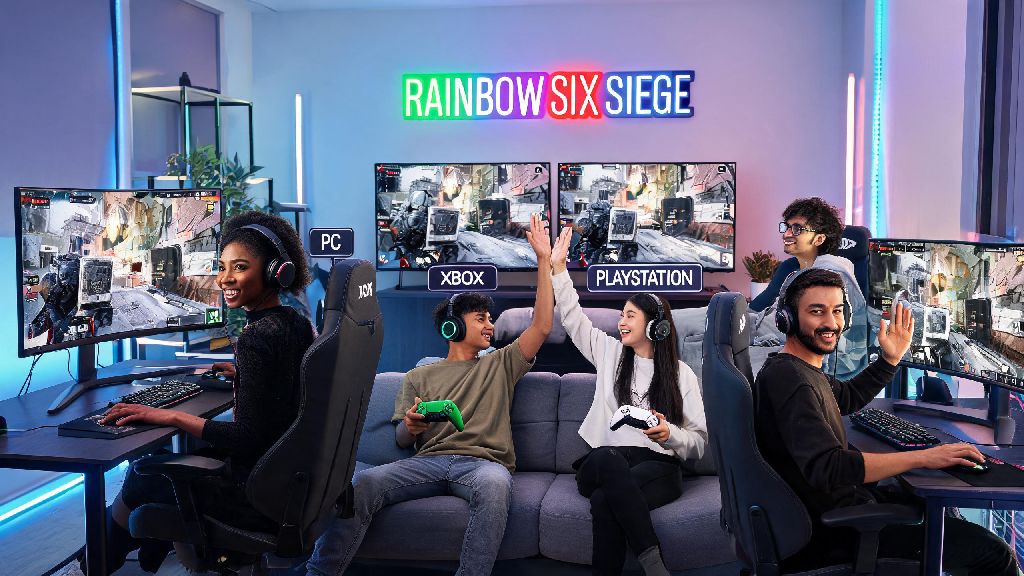
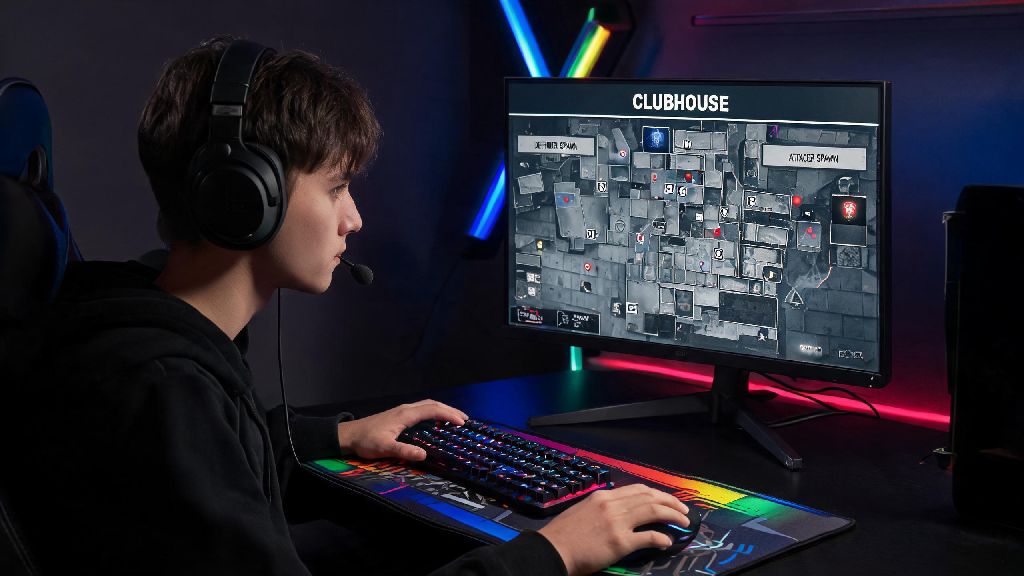
If you’ve sunk hundreds of hours into Rainbow Six Siege on your PS4, unlocking every operator, earning rare alpha pack skins, and climbing the ranked ladder, the last thing you want is to start from scratch when you finally upgrade to a gaming PC. It’s one of the most common questions long-time R6 players ask when they switch platforms: can you link rainbow six siege from ps4 to pc? This guide breaks down everything you need to know about Ubisoft’s cross-progression system, what content transfers, what doesn’t, and how to avoid costly mistakes that could put your years of progress at risk. I’ve spent the last 7 years playing R6 across both PS4 and PC, so I’ve gone through the account linking process twice myself and seen every possible misstep players make along the way.
Can You Link Rainbow Six Siege From PS4 to PC Officially?
The short answer is yes, you can link your PS4 and PC Rainbow Six Siege accounts to share progression across both devices, thanks to Ubisoft’s cross-progression rollout that launched alongside Operation Solar Raid. Before this update, players were stuck with separate progress per platform, with no way to transfer unlocks or stats between PS4 and PC. Now, all you need to do is link both your PlayStation Network account and your PC Ubisoft account to the same primary Ubisoft profile, and your shared progression will sync automatically across both devices.
You must link both platforms to the same primary Ubisoft account to access cross-progression, and you can only merge progress one time per account. If you already have separate progress on both your PS4 and PC accounts, you’ll be prompted to choose which account’s progression you want to keep as your primary path during the linking process. You can’t merge progress from two separate accounts, so you’ll lose all progress on the secondary account you don’t select, so choose carefully. I made this mistake back when cross-progression first launched, and I lost 20 levels of battle pass progress on my PC account because I selected my PS4 account as the primary, so don’t rush through this step.
What Content Transfers When You Link PS4 and PC R6 Accounts?
Most of your earned and purchased content will transfer between your PS4 and PC accounts after linking, but there are a few key exceptions that often catch players off guard. Before you start the linking process, it’s smart to take inventory of your most valuable skins and items so you know what to expect after the merge. Here’s a full breakdown of what does and doesn’t transfer:
- All earned operator unlocks, alpha pack drops, and universal skins that aren’t marked as platform exclusive
- Your ranked MMR, battle pass progress, and in-game Renown currency from your selected primary account
- All stat trackers, match history, and unlocked charm and headgear cosmetics that aren’t tied to a specific platform
- Platform exclusive skins (like PS Plus exclusive bundles, console pre-order bonuses, and region-locked event items) do not transfer between devices
- R6 Credits purchased on either platform will stay locked to that platform, even after your accounts are linked, so you can’t spend PS4-bought credits on PC and vice versa
Always check which content is marked as universal before you purchase it if you plan to swap platforms regularly, to avoid wasting money on items you can only use on one device. For example, I bought a PS-exclusive neon Ash skin back in 2020, and I still can’t access it on my PC account even after linking, so it’s only usable when I play on my old PS4. Most new content released after Operation Solar Raid is marked as universal by default, but older exclusive content will always stay locked to its original platform. That means if you have a lot of old PS-exclusive items, you may still want to keep your PS4 around to use them even after you switch to PC primarily.
Common Mistakes to Avoid When Linking Your PS4 and PC R6 Accounts
The account linking process is straightforward for most players, but there are a handful of common mistakes that can lead to lost progress, locked accounts, or even permanent bans across both platforms. I’ve helped dozens of friends through this process, so I’ve seen every possible error you can make, and most of them are easy to avoid if you know what to look for. Do not link your PS4 account to a new Ubisoft account if you already have existing PC progress on another Ubisoft profile, as you won’t be able to merge the two accounts later. Ubisoft only allows one platform per type to be linked to a single Ubisoft account, so if you link your PS4 to a new account, you’ll have to start from scratch on PC or lose all your PS4 progress to switch over.
Another common mistake is trying to link accounts while one of them has an active ban or restriction. Any active restrictions, temporary suspensions, or permanent bans on one linked account will apply to all platforms connected to your Ubisoft profile, so a ban on your PS4 account will lock you out of R6 on PC too. If you have an active temporary ban on your PS4 account, wait until it expires before you link the two accounts, to avoid restricting your PC access. You should also make sure you have access to the email addresses tied to both your PlayStation Network account and your Ubisoft account before you start the process, as you’ll need to verify both accounts to complete the link. If you don’t have access to one of the emails, you’ll need to reach out to Ubisoft support first to update your contact information, or you’ll get stuck halfway through the linking process.
How to Switch Between PS4 and PC After Linking Your Accounts
Once you’ve successfully linked your PS4 and PC R6 accounts, switching between the two platforms is far simpler than most players expect, and you won’t have to redo the linking process ever again. When you launch Rainbow Six Siege on PC, just log in with the same Ubisoft account you linked your PS4 to, and your shared progression will sync automatically within a few seconds of launching the game. When you switch back to your PS4, just launch the game as you normally do, and it will sync with your linked Ubisoft account to pull your latest progress from PC.
Cross-play and matchmaking settings are controlled per platform, so you can turn cross-play off on your PS4 while leaving it enabled on PC if you prefer to play against only console players on PlayStation. Input-based matchmaking still applies regardless of your linked accounts, so if you’re playing on PC with keyboard and mouse, you’ll be matched with other keyboard and mouse players, even if you originally started on PS4 with a controller. If you’re switching from controller to mouse and keyboard for the first time, don’t jump straight into ranked matches on PC. The difference in input lag, sensitivity, and average player skill is way bigger than most new PC players expect, so spend a few weeks in casual or unranked matches to adjust your settings and get used to the new input before you risk dropping your MMR. I spent almost a month playing only casual when I first switched to PC, and I’m glad I did, because I would have tanked my Plat rank if I jumped straight into ranked right away.
At the end of the day, the answer to can you link rainbow six siege from ps4 to pc is a resounding yes, as long as you follow Ubisoft’s official cross-progression steps and avoid the common mistakes we outlined above. Linking your accounts lets you carry all your hard-earned progress across both devices, so you don’t have to abandon your years of PS4 progress when you switch to PC, or go back to playing on a lower rank when you’re visiting friends and using their PS4. Just take your time during the linking process, double check which account you select as your primary progression path, and remember that platform exclusive items and purchased R6 Credits won’t transfer between devices. If you run into any issues during the process, Ubisoft’s support team has a dedicated cross-progression help section that can resolve most problems within a few business days.