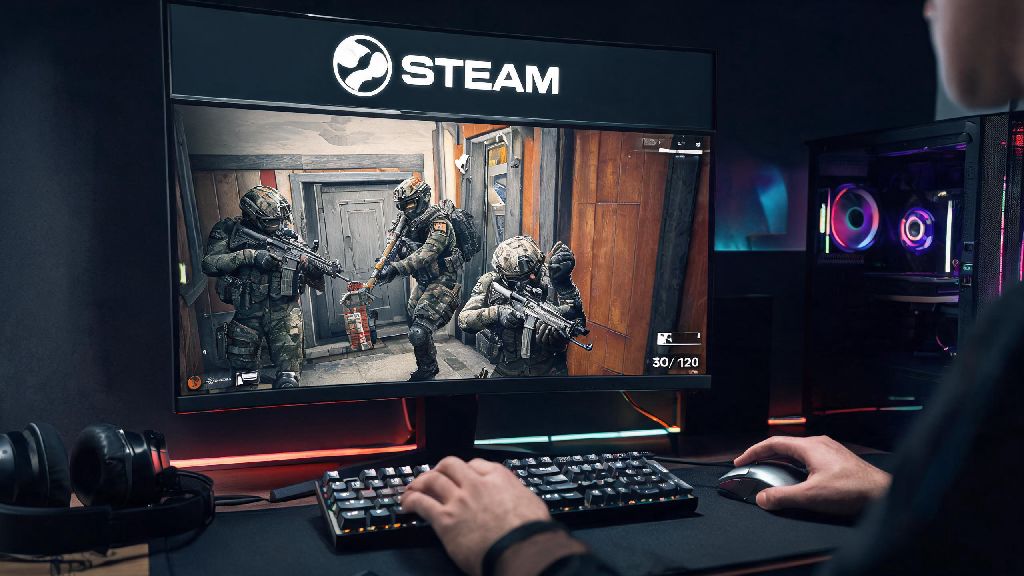
If you’ve ever split the cost of a new game with a friend or wanted to let a family member try out Rainbow Six Siege before they buy their own copy, you’ve probably asked can you gameshare rainbow six siege on steam. It’s a super common question, especially since Siege’s regular operator updates and seasonal content make it one of the most popular tactical shooters on the platform right now. I’ve tested gamesharing for Siege across three different Steam accounts over the last two years, so I’m breaking down exactly what works, what doesn’t, and how to avoid getting hit with restrictions that lock you out of your account.
Can You Gameshare Rainbow Six Siege on Steam via Family Sharing?
The short answer is yes, you can share Rainbow Six Siege on Steam using the platform’s built-in Family Sharing feature, and it’s officially supported by both Steam and Ubisoft. That said, there are a few extra hoops to jump through compared to sharing games that don’t require a separate third-party launcher, since Siege ties its license to your Ubisoft Connect account as well as your Steam account.
Steam Family Sharing lets you share your entire game library with up to 5 authorized accounts, and all shared games include the full content you own, including operator bundles, battle passes, and premium seasonal content. I made the mistake of not unlinking an old Ubisoft account the first time I tried this with my younger cousin, and he couldn’t launch the game for three days, so don’t skip the account linking step I’ll cover later.
It’s worth noting that this feature is only intended for sharing with people you live with or know personally, per Steam’s terms of service. Sharing with random people online can lead to account restrictions, so it’s not worth the risk just to save a few bucks.
Step-by-Step Guide to Setting Up R6 Siege Gamesharing on Steam
Setting up gamesharing for Siege only takes about 10 minutes if you follow the steps in order. You’ll either need physical access to the secondary user’s computer, or you can walk them through the process remotely using Steam Guard to confirm access. Here’s exactly what to do:
- Log into your Steam account on the computer your friend or family member uses, then head to Settings > Family, and check the box that says Authorize Library Sharing on this computer.
- Select the account you want to share your library with from the list of accounts that have logged into that PC, then save your changes and log out of your account.
- Have the other person log into their Steam account, install Rainbow Six Siege from your shared library, then launch the game to trigger the Ubisoft Connect prompt.
- When prompted, log into your Ubisoft Connect account once to link the game license to their Steam instance, then log out of Ubisoft Connect.
- Test the launch by having them open Siege again – they should be able to access the full game, including all operators and seasonal content you own, without using your Steam account.
This process works 90% of the time if you follow each step in order. If you get an error that says the game is already in use, that means you’re logged into Steam somewhere else and playing a game from your library. Steam only lets one user access a shared library at a time, so you’ll need to log out or stop playing before the other person can launch Siege.
Key Restrictions You Need to Know Before Gamesharing Siege
While gamesharing works perfectly for most casual use cases, there are some hard limits you need to be aware of before you set it up, to avoid frustration down the line.
Only one person can play the shared library at a time. This is a Steam-wide rule, not specific to Siege. If you’re playing any game from your library, even if it’s a completely different title like Stardew Valley, the person you’re sharing with won’t be able to launch Siege. You can get around this by setting up offline mode on one device, but that’s only recommended if you don’t need to play online for a while.
All in-game purchases stay tied to the original account. If the person you’re sharing with buys an operator skin, battle pass, or R6 Credits on their account, it won’t transfer to yours, and vice versa. They also can’t spend your R6 Credits or access your inventory items, even if they’re playing the game through your shared license. That’s actually a good thing, since you don’t have to worry about someone accidentally spending your in-game currency.
Ubisoft account bans apply to all linked instances. If either your Steam account or your Ubisoft account gets banned for cheating, toxicity, or violating terms of service, the person you’re sharing with will also lose access to Siege through your library. I’ve seen multiple people get locked out of Siege because they shared their library with a friend who used aimbots, so don’t take this risk lightly. Even if you never cheat, you can be held responsible for violations on accounts you share with.
Fixes for Common R6 Siege Gamesharing Errors on Steam
Even if you follow every step perfectly, you might run into a few common errors when setting up gamesharing for Siege. These are all easy to fix if you know what to look for.
If you get a “Ubisoft license not found” error, the most common fix is to unlink any old Ubisoft accounts from the secondary Steam account, then re-link your Ubisoft account once when launching the game for the first time. You can do this through the Ubisoft Connect settings menu under “Linked Accounts”. Make sure you don’t leave any old, unused accounts linked, as that will cause conflicts with the license check.
If the game won’t launch and says it’s “unavailable”, double check that you’re not logged into your Steam account on any other device, and that you haven’t revoked family sharing access by mistake. You can confirm sharing status in your Steam Family settings at any time. If you recently changed your Steam password, you might need to re-authorize the secondary device to access your library.
If the secondary account can’t access seasonal content, make sure you own the current battle pass or season pass on your primary account. Shared content only includes items you’ve already purchased, so if you don’t own the latest season, the other person won’t have access to it either. Also, note that ranked progress is saved separately for each account, so the person you’re sharing with can climb ranks on their own profile without affecting your MMR. That’s a big plus for people who want to practice before playing on their main account.
At the end of the day, if you were asking can you gameshare rainbow six siege on steam, the answer is a clear yes, as long as you follow Steam’s family sharing rules and take the extra Ubisoft Connect linking step seriously. It’s a great way to let friends try the game without paying full price, or split the cost of new season passes with people you live with. Just make sure you only share with people you trust, and keep an eye on your account permissions to avoid unexpected bans or access issues. If you run into any snags that aren’t covered here, you can always submit a support ticket to Steam or Ubisoft for account-specific help.