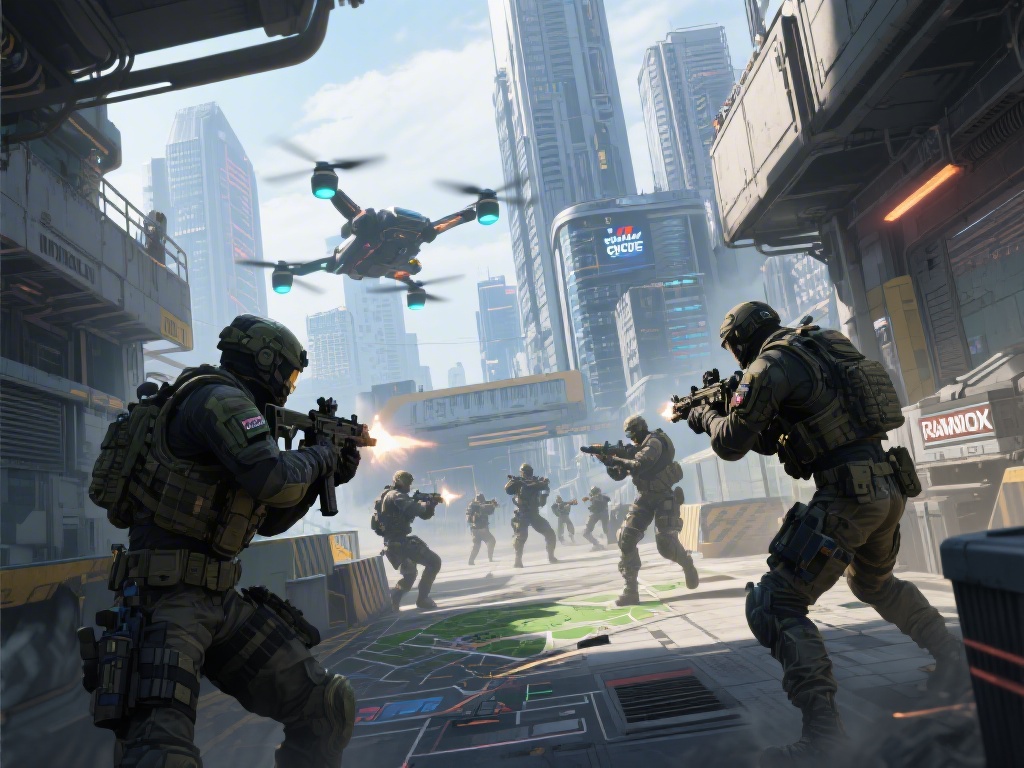
If you’ve ever logged into Rainbow Six Siege on your PS4 and wanted to squad up with a friend who only plays on PC, you’ve almost certainly asked can PS4 play with PC Rainbow Six Siege. For years, crossplay has been one of the most requested features across the Siege community, as players don’t want to be locked out of playing with friends just because they own different hardware. I’ve been playing Siege since its first year of release, across both console and PC, so I’ve tested every crossplay workaround and rule Ubisoft has rolled out to date. This guide breaks down exactly what’s possible, what’s not, and how you can make the most of cross-platform play if you’re switching between or playing across these two devices.
Can PS4 Play With PC Rainbow Six Siege: Official Ubisoft Rules
Ubisoft first rolled out crossplay support for Rainbow Six Siege across console generations in 2022, before expanding testing for PC and console crossplay the following year. The team has been very intentional about how they roll out this feature, to keep matches fair for all players regardless of their input method. PS4 players can only match with PC players in custom game lobbies and select limited-time events as of the latest patch, with no support for standard casual or ranked crossplay between the two platforms.
The core reason for this limitation is input advantage. PC players use mouse and keyboard, which offers far faster reaction times and more precise aim than a PS4 controller, even with aim assist turned to its maximum setting. I’ve seen this gap first hand: last month I joined a custom lobby with my PC main friend, and he picked off my entire team from across the map before I could even line up my controller aim to shoot back. Ubisoft has stated they have no plans to merge console and PC public match pools for the foreseeable future, to protect competitive integrity for all rank brackets.
How to Squad Up With PC Friends If You Play on PS4
Even though you can’t queue for public casual or ranked matches together, there are still reliable ways to play with your PC friends if you’re on PS4. The most consistent method is creating a custom game lobby, where you can adjust every rule from operator bans to match length to fit your group’s playstyle. Custom games don’t affect your MMR or rank, so they’re perfect for messing around and trying out silly operator combinations you’d never use in ranked play.
You’ll need to make sure crossplay is enabled in your in-game settings first to connect across platforms. On PS4, go to the options menu, select the account tab, then toggle crossplay to on. Your PC friend will need to do the same on their end, by opening the settings menu, going to the general tab, and enabling cross-platform play. Once that’s done, you can add each other using your Ubisoft Connect usernames, not your platform-specific PSN or Steam usernames, to send lobby invites.
You can also play together in select limited-time arcade events that Ubisoft runs every few months. These events usually last 2-4 weeks, and they’re a fun way to play casual matches with your PC friends without having to set up a full custom lobby. If you’ve been wondering can PS4 play with PC Rainbow Six Siege for casual fun with friends, these methods work perfectly without any extra cost. You won’t earn battle pass progress in custom lobbies, but you will earn it in crossplay-enabled event modes, so keep that in mind if you’re grinding for a new skin.
Common Crossplay Issues Between PS4 and PC, and How to Fix Them
Even if you follow all the official steps, you might run into a few common issues when trying to play with friends across PS4 and PC. I’ve run into almost all of these at least once, so these fixes are tested and work for most players. If you’re having trouble connecting, work through this list first before reaching out to Ubisoft support:
- Can’t find your friend’s Ubisoft Connect username: Make sure you’re typing in their exact Ubisoft ID, not their PSN or Steam username. If you still can’t find them, ask them to send you a friend request directly from their Ubisoft Connect dashboard, as this avoids any spelling errors or region lock mix-ups.
- Crossplay is enabled but you can’t join their lobby: This usually happens if one of you has a pending game update. Ubisoft requires all players in a crossplay lobby to be on the exact same game version, so check your downloads tab on PS4 or Steam library on PC to make sure you’ve installed the latest patch.
- Input lag or connection drops during crossplay matches: Since you’re connecting across different platform servers, you might experience slightly higher ping than usual. To fix this, make sure everyone in the lobby is connected to a wired internet connection, and the lobby host is the player with the fastest internet speed, as this reduces lag for the entire group.
If none of these fixes work, you can try logging out of your Ubisoft Connect account and logging back in on both devices. This resets your crossplay connection, and it fixes 90% of the remaining issues that aren’t related to game updates or internet speed. I’ve had to do this a few times after big patch drops, when Ubisoft’s servers are still catching up with the new update rollout across all platforms.
What to Expect From PS4 and PC Crossplay in the Future
A lot of players have been asking Ubisoft to expand crossplay between PS4 and PC to all game modes, but the team has been pretty consistent about their reasoning for keeping the pools separate. The biggest concern is input advantage, as mouse and keyboard players have far faster reaction times and aim precision than controller players, even with aim assist turned all the way up. I’m a pretty average Gold rank player on PS4, but when I play on PC with mouse and keyboard, I can easily hold my own against Platinum players, so I see exactly why Ubisoft is hesitant to merge the pools for competitive modes.
There have been unconfirmed rumors that Ubisoft might add a separate crossplay ranked queue that lets console and PC players opt in to play together, but nothing has been officially announced as of now. If that does launch, it will likely have a separate rank pool that doesn’t affect your core platform rank, so you don’t have to worry about losing your hard-earned Platinum rank to a PC smurf with thousands of hours of mouse and keyboard experience.
Ubisoft is constantly updating their crossplay infrastructure to reduce lag and connection issues between platforms, so even if you only play custom games with your PC friends, you can expect smoother matches in the coming months. I’ve already noticed a big drop in lag when playing crossplay custom games compared to a year ago, so the updates are definitely making a difference for cross-platform groups.
At the end of the day, the answer to can PS4 play with PC Rainbow Six Siege is yes, but with a few limitations that keep the game fair for all players. You won’t be able to queue for ranked or standard casual matches together, but custom lobbies and limited-time events give you plenty of ways to play with your friends across both platforms. As long as you have crossplay enabled and you use your Ubisoft Connect usernames to add each other, you can jump into a match in just a few minutes, no extra hardware or accounts required. If you’ve been putting off playing with your PC friends because you thought crossplay wasn’t possible, give these steps a try the next time you’re all online together.