If you’ve ever found yourself asking can pc play with console rainbow six siege when your friend group is split across different devices, you’re not alone. I’ve been in that exact spot a few months back, when my roommate picked up the game for his Xbox Series S and I was grinding ranked on my custom PC build. We spent almost an hour digging through settings and forum posts trying to figure out if we could squad up without making new accounts, so I’m putting everything I learned in one place to save you the hassle. This guide breaks down exactly how crossplay works for Siege, what limitations you might run into, and how to adjust your settings to play with anyone on your friends list.
Can PC Play With Console Rainbow Six Siege? Official Crossplay Rules
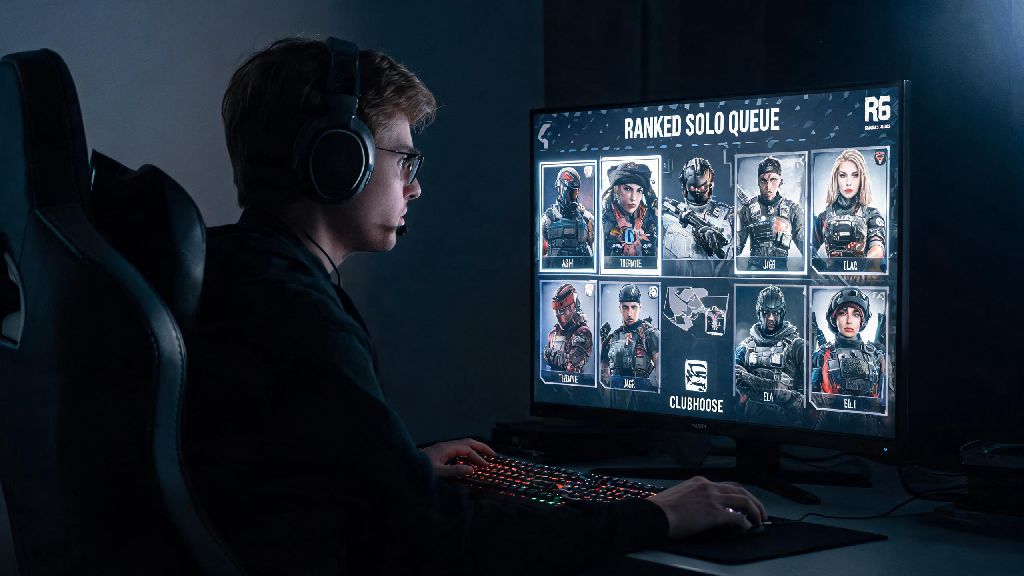
The short answer is yes, but there are important limitations you need to know before you try to queue with friends on other platforms. Crossplay between PC and console is supported for all casual game modes including Quick Match, Unranked, Training Grounds, and most limited-time event modes. Ranked queues are permanently split between PC and console players to prevent input-based imbalance, so you won’t be able to climb the ranked ladder with friends on different devices.
Crossplay between PC and console is disabled by default for all players so you have to turn it on manually in your settings if you want to use it. Ubisoft made this choice to let players opt out if they don’t want to deal with cross-input matchmaking, which is a nice touch for people who prefer to only play against other people using the same device type. You can toggle crossplay on or off at any time, so you don’t have to stick to one setting forever.
How to Enable Crossplay to Squad Up With Friends on Other Platforms
Turning on crossplay only takes a few steps, no matter what platform you’re playing on. First, open the main settings menu and navigate to the General tab. Scroll down until you see the Crossplay section, then toggle both “Crossplay Matchmaking” and “Crossplay Invitations” to the on position. If you only turn on matchmaking, you’ll be placed in lobbies with players from other platforms but won’t be able to receive direct invites from friends on other devices.
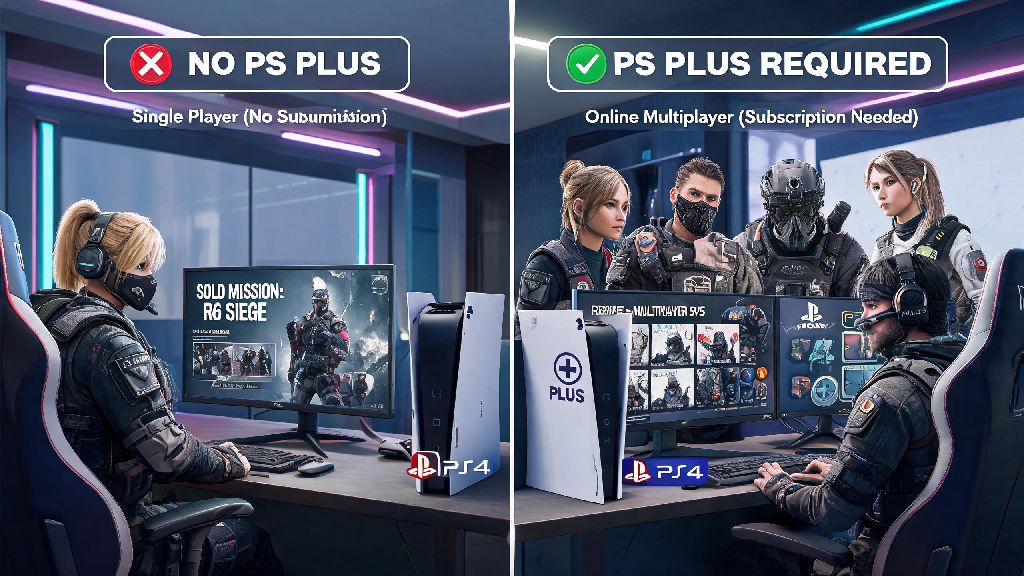
To add friends from other platforms, you’ll need to use their Ubisoft Connect ID instead of their platform-specific username. You can find your own Ubisoft ID in the top right corner of the Ubisoft Connect overlay, or in the account section of the main menu on console. You don’t need to pay for any extra subscriptions to use crossplay outside of any platform online memberships you already have, like PS Plus or Xbox Live for console players. Once you have these settings toggled on, you’ll be able to send and receive invites from friends regardless of their platform, so you don’t have to wonder anymore if can pc play with console rainbow six siege when you’re planning a game night.
The most common issue people run into is not seeing invites from cross-platform friends. If this happens to you, double check that both you and your friend have Crossplay Invitations turned on, and that you spelled their Ubisoft ID correctly — these IDs are case-sensitive, so even a single capital letter in the wrong place will keep you from finding their account.
Key Differences Between PC and Console Siege You Should Know Before Queuing Together
Crossplay lobbies work well for the most part, but there are inherent differences between PC and console gameplay that you should expect to run into. I’ve played dozens of crossplay matches with my console friends, and these are the most noticeable differences I’ve encountered:
- Input advantage: PC players use mouse and keyboard for faster aim and movement, while console players use controllers, often with aim assist enabled to level the playing field.
- Performance gaps: High-end PCs can run the game at 144+ FPS and 4K resolution, while most current-gen consoles cap at 60 FPS for Siege, which can affect reaction times in fast firefights.
- Cheat risk: PC servers have a slightly higher risk of encountering cheaters, though Ubisoft’s BattlEye anti-cheat has gotten far more effective at banning bad actors in recent updates.
- UI differences: Console players have a simplified menu layout built for controller navigation, while PC players have access to more advanced keybinding options for faster operator ability usage.
That doesn’t mean crossplay lobbies are unbalanced, though. Ubisoft has implemented skill-based matchmaking that accounts for input type when putting lobbies together, so you won’t get matched against a top 100 PC player if you’re a casual console player. Aim assist is turned on for all controller players even in crossplay lobbies, so console players don’t lose that buff when playing against PC users. I’ve had just as many wins playing crossplay with my console friends as I do playing solo on PC, so the differences don’t ruin the experience as long as you go in with reasonable expectations.
Cross-Progression for Rainbow Six Siege: What You Get When Switching Between PC and Console
Most people who ask about crossplay also want to know about cross-progression, especially if they’re thinking about switching devices or playing on both PC and console regularly. Full cross-progression is supported across all platforms as long as you link all your platform accounts to the same Ubisoft Connect account. That means all your operator unlocks, skins, battle pass progress, and unranked stats carry over no matter if you’re playing on PC, PlayStation, or Xbox.
The only things that don’t carry over are platform-exclusive cosmetics, like PlayStation-themed operator skins that you can only get on PS4/PS5, and your ranked rank. Your ranked rank is separate between PC and console even if you use the same account, which makes sense since the ranked queues are split to keep competition fair. You can have a Platinum rank on PC and a Gold rank on console at the same time, and progress on one won’t affect the other.
If you’re planning to switch between PC and console regularly, make sure you link your accounts before you make any in-game purchases, so you don’t end up buying the same skin twice on different platforms. I learned that the hard way when I bought a Hibana elite skin on my Xbox account before linking it to my Ubisoft account, and I couldn’t access it on PC until I contacted support to merge the accounts. The process took three days, so it’s much easier to link your accounts first to avoid the hassle.
At the end of the day, the answer to can pc play with console rainbow six siege is a definite yes, as long as you’re playing non-ranked modes and have crossplay enabled in your settings. The crossplay implementation is far from perfect, but it’s more than good enough to play casual matches with friends no matter what device they prefer. Just make sure you adjust your expectations around performance and input differences, and don’t get frustrated if you lose a few rounds while you get used to playing with people on other platforms. If you run into any issues with crossplay invitations or cross-progression, Ubisoft’s support site has step-by-step troubleshooting guides for most common problems, so you don’t have to spend an hour scrolling through Reddit like I did.