If you’ve scrolled through Siege community forums or seen content creators posting about unreleased operator changes, you’ve probably wondered what is rainbow six siege test server, and if you can get in on the action too. The test server, often shortened to TTS by regular players, is far more than just a sneak peek at upcoming content – it’s a core part of how Ubisoft polishes patches before they roll out to all 70+ million global Siege players. I’ve been playing Siege since Operation Health, and I’ve tested every TTS build for the last four years, so I’ll walk you through exactly how it works, who can use it, and what you can (and can’t) do once you’re in.
Core Features of the Rainbow Six Siege Test Server
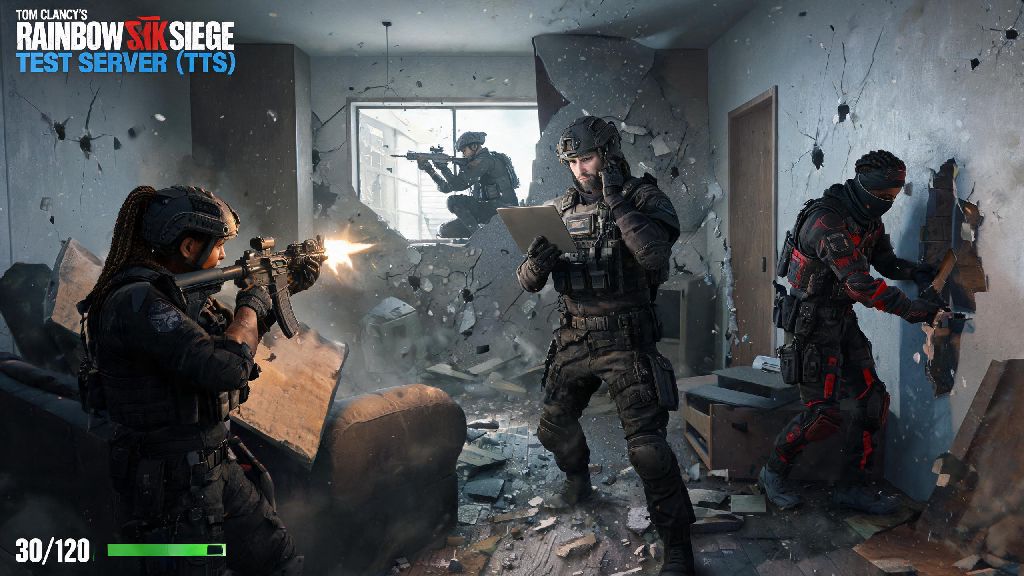
The rainbow six siege test server is a separate, standalone build of the game that Ubisoft uses to test upcoming changes long before they hit live servers. Unlike the main game, which prioritizes stability and balanced gameplay, the TTS is designed to be a rough draft of future updates, so you’ll find all kinds of content that hasn’t been announced publicly yet. This includes unreleased operator reworks, new map playtests, unannounced quality of life changes, and even experimental balance adjustments that might never make it to the full game. For example, a few years back, the dev team tested a wild change that let Castle use bulletproof shields as extra deployable barriers, which ended up being scrapped after TTS players pointed out it made defending sites completely unbreakable. You’ll also get access to all operators and cosmetics on the TTS, even if you haven’t unlocked them on your main account, so you can test out operators you don’t own without spending any renown or R6 credits. The TTS is separate from your main game installation, so you don’t have to worry about it corrupting your live save files or uninstalling your main game.
How to Access the Test Server (Eligibility Rules)
One common misconception about the rainbow six siege test server is that you have to pay extra to access it, but that’s never been the case – all access is free for eligible players. The rules for getting in depend on whether the test cycle is open or closed, and what platform you play on. PC players on Steam and Ubisoft Connect get open access to most TTS builds, no special sign up required. You just find the test server listing on your store page, download it like you would any other game, and log in with your existing Siege account. Console players (PlayStation and Xbox) only get access to closed test cycles, which are much rarer, and you have to sign up for Ubisoft’s official playtesting program to get an invite. The core eligibility requirements for all test cycles are:
That means you don’t need to be a pro player or a content creator to get access to most TTS builds. I’ve had friends who only play casual Siege on the weekends get access to open test servers without doing anything extra, as long as they own the game on PC. Just keep an eye on the official Siege social media accounts to know when a new TTS build drops, because they only stay up for 1 to 2 weeks at a time before they’re taken down to prepare for the next update.
Pros and Cons of Playing on the Test Server
Playing on the TTS can be a lot of fun, but it’s not for everyone, so it’s worth weighing the good and bad parts before you download the 80+ GB build. On the plus side, you get to try new content weeks before it hits live servers, which is a huge perk if you’re bored of the current meta and want something fresh to mess around with. More importantly, your feedback directly shapes the final patch – Ubisoft regularly looks at TTS player reports to adjust balance changes, like when they reversed the massive Ash R4-C damage nerf a few operations back because 80% of TTS players said it made her completely unplayable for casual and competitive matches alike. You can also practice new operators or map layouts before everyone else, which gives you a small edge when the patch goes live, especially if you play ranked regularly.
On the downside, the TTS is intentionally unpolished, so you’ll run into constant bugs, crashes, missing textures, and operator abilities that don’t work as advertised. You’ll also deal with frequent server downtime as the dev team pushes small updates to fix issues mid-test cycle. None of your progress on the TTS carries over to the main game – you can’t unlock skins, gain ranked points, or complete battle pass challenges there, so any time you spend on the TTS won’t benefit your main account at all. Queue times are also a lot longer than live servers, especially for ranked or unranked modes, because far fewer people play on the TTS. I usually only spend 2 to 3 hours on each TTS build to test the changes I care about, because the bugs get annoying fast if you try to grind for hours like you would on live.
How to Submit Useful Feedback on the Test Server
A lot of players hop on the TTS, mess around for an hour, and never submit any feedback, but that’s the whole point of the server existing. If you want your input to actually be seen by the dev team, there are a few simple rules to follow to make your feedback as useful as possible. First, only report bugs you can reproduce consistently – if your game crashed once for no obvious reason, it’s probably not worth reporting, but if it crashes every time you use Kali’s sniper to shoot a Twitch drone, that’s a valuable report that the devs can act on. Second, be as specific as possible with your feedback: instead of saying “the new operator is bad”, explain that “their ability has a 2 second longer cooldown than advertised, and it doesn’t penetrate reinforced walls like the patch notes said it would, which makes them useless for site pushes”. Third, use the official in-game feedback tool or the dedicated TTS subreddit forum to submit reports, not random Twitter replies, because the dev team only monitors official channels for TTS feedback.
Also, don’t spam the same report 10 times, that just makes it harder for devs to sort through legitimate feedback from players. I’ve had 3 of my TTS bug reports get acknowledged by the dev team in the past, and all of them were fixed before the patch went live, so it really does make a difference if you submit feedback the right way. Even if you only have 10 minutes to test a new change, submitting a clear, accurate report can help prevent the same bug from ruining the live patch for millions of players.
At the end of the day, whether you want to test unreleased content, help make the game better, or just mess around with broken operator abilities for fun, the rainbow six siege test server is a great resource for any player who’s invested in the future of Siege. You don’t need any special qualifications to join most open test cycles, and even a few minutes of testing and feedback can help prevent annoying bugs from ruining the live patch for millions of players. If you haven’t tried it out before, keep an eye out for the next TTS announcement the next time a new operation is coming up – you might end up finding a bug that saves the rest of the community a lot of frustration later.