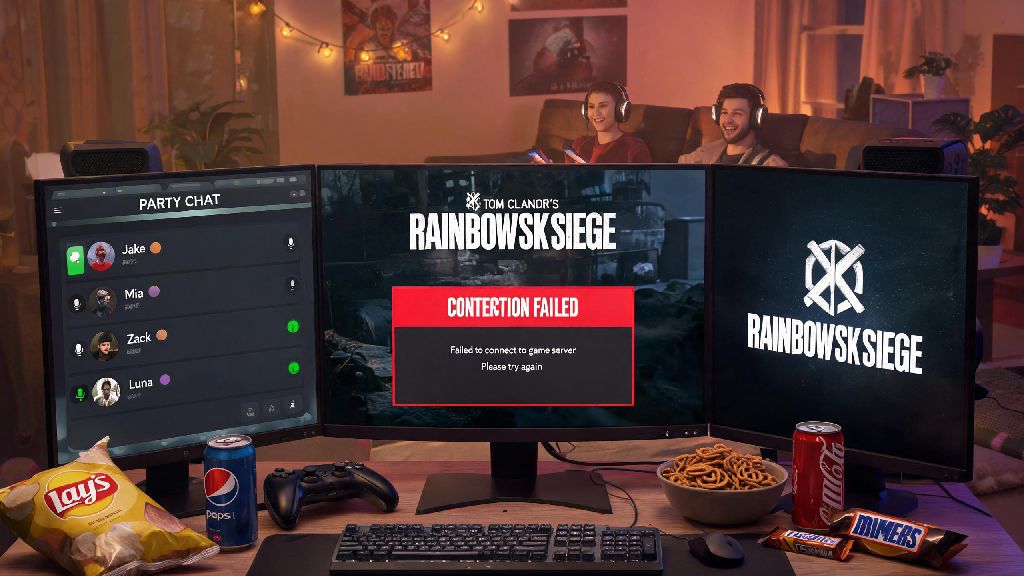
You’ve got your snack ready, your squad is in the voice chat, and you’re all set to grind ranked to hit Platinum this season. You hit play, wait for the loading screen, and get hit with a vague “connection failed” error out of nowhere. The first thought that pops into your head is is Rainbow Six Siege down right now, and we’ve all been there. Nothing kills your momentum faster than being locked out of matches when you’re on a three-win streak, and it’s even worse when you have no idea if the problem is on your end or Ubisoft’s. This guide will walk you through exactly how to figure out what’s going on, fix small issues on your own, and make the most of any downtime if servers are actually offline.
How to Confirm If Rainbow Six Siege Is Down Right Now
Before you start resetting every device in your house, the first step is to confirm whether the issue is a widespread outage or something specific to your setup. The most reliable source first is Ubisoft’s official server status page, which updates in real time for all platforms, including PC, PlayStation 4/5, Xbox One, Series X/S, and even the cloud gaming versions. The page breaks status down by region too, so if you’re in the EU and only North American servers are flagged as offline, your local connection is probably the problem.
If the official page says everything is running fine, you can cross-check with community-run downtime tracking sites that aggregate user reports from all over the world. If you see a sudden spike in reports in the last 10 or 15 minutes, that’s a clear sign there’s an unreported outage that Ubisoft hasn’t updated the status page for yet. You can also check the r/Rainbow6 subreddit or Ubisoft Support’s X/Twitter account – if the top posts are all people complaining about connection errors, you don’t need to waste time troubleshooting your own setup.
Another quick check is to ask your squadmates if they’re having issues logging in. If everyone else in your group can get into matches fine, the problem is almost definitely on your end, and you can move to the troubleshooting steps we’ll cover later. I usually ping my duo partner first before I do anything else, because half the time it’s just my internet acting up, not the servers.
Common Reasons for Siege Server Outages
There are a handful of common reasons Siege servers go offline, and most of them are totally out of your control. The most frequent one is scheduled maintenance, which Ubisoft runs to deploy patches, fix bugs, roll out operator reworks, or launch new seasons. They usually announce these maintenance windows 24 to 48 hours in advance on their social media and in-game notification center, and they’re usually scheduled for off-peak hours to minimize disruption for most players. Scheduled maintenance usually lasts 1 to 3 hours, but big season launches can take up to 6 hours as they roll out new content across all regions.
Unexpected outages are a bit more frustrating, and they usually pop up with no warning. One of the most common causes is high player volume spikes, which happen during big content drops, free weekends, or major esports events like the Six Invitational. When hundreds of thousands of players all try to log on at the exact same time to check out a new operator or play the game for free, it can overload even the most robust server infrastructure. I tried to log on right as Operation Deep Freeze launched last year, and I couldn’t get into a match for almost two hours because the servers were completely swamped.
Less common but still possible are DDoS attacks, which target Ubisoft’s server infrastructure to take it offline intentionally. These are far rarer now than they were a few years ago, but they still happen occasionally during high-profile events. Sometimes outages aren’t even specific to Siege – if Ubisoft’s broader backend infrastructure or a third-party data center has an issue, it can take down multiple Ubisoft games at once, including Siege, Assassin’s Creed, and Far Cry.
How to Rule Out Local Connection Issues
If all official sources say servers are running perfectly, the problem is almost definitely on your end, and there are a few quick fixes you can try to get back online fast. Most of these take less than five minutes, and they fix the vast majority of common connection errors:
If none of these fixes work, check if you have the latest game update installed. If you have auto-updates turned off, you might be running an older version of the game that’s no longer compatible with the current servers. Console players should also check the status of PlayStation Network or Xbox Live, because if those platforms are offline, you won’t be able to connect to any online games, including Siege.
What to Do During Confirmed Siege Outages
Once you’ve confirmed that servers are actually offline, there’s no point in spamming the login button over and over again. That won’t make the servers come back faster, and it might even get you temporarily rate-limited by Ubisoft’s systems when they do come back online. Instead, you can use the downtime to get better at the game, so you’re even more prepared when you can jump back into matches.
One of the best ways to spend downtime is watching pro player VODs or guide videos to learn new tricks for your favorite operators. I’ve picked up so many useful site retake strategies and lineups from watching pro players during outages, and those tricks have won me more ranked matches than I can count. You can also hop into the practice range to test out new attachment combinations, or go over map callouts with your squad so you’re more coordinated when you play next.
If you’re on a competitive team, you can use the time to review recent match replays and spot mistakes you made in your last few games. It’s much easier to notice bad positioning or missed opportunities when you’re watching the match back, instead of playing it in real time. You can also customize your operator skins or adjust your loadouts, which is something most of us never have time to do when we’re busy grinding matches.
Avoid queuing for ranked matches in the first 30 minutes after servers come back online, no matter how eager you are to play. Thousands of players will all be trying to log on at the exact same time, which causes lag, random disconnections, and long queue times. I made the mistake of queuing for ranked right after an outage last year, and I lost two matches in a row because half my squad got kicked mid-game for no reason. Wait a little while for the rush to die down, and you’ll have a way smoother experience.
Next time you’re staring at a connection error screen and wondering is Rainbow Six Siege down right now, you’ll know exactly what steps to take to figure it out. Start with official status sources, cross-check with community reports, and rule out simple local issues before you get frustrated. If it is a widespread outage, remember they’re almost always fixed within a couple of hours, and you can use the downtime to get better at the game so you’re ready to climb the ranks as soon as servers are back online.