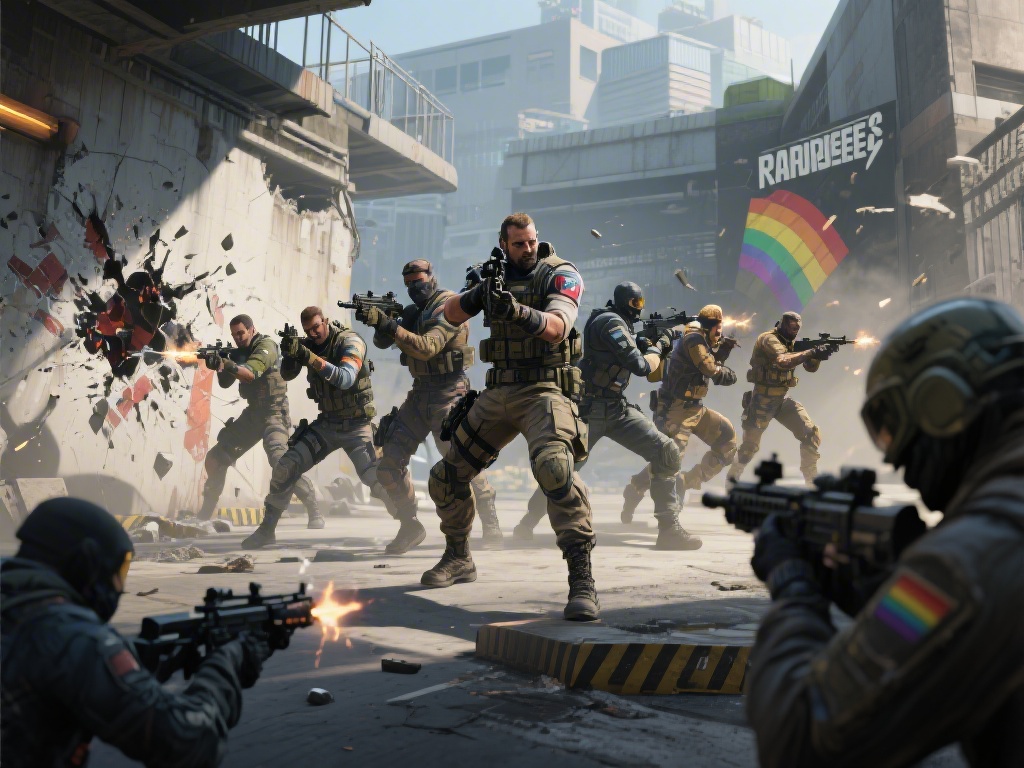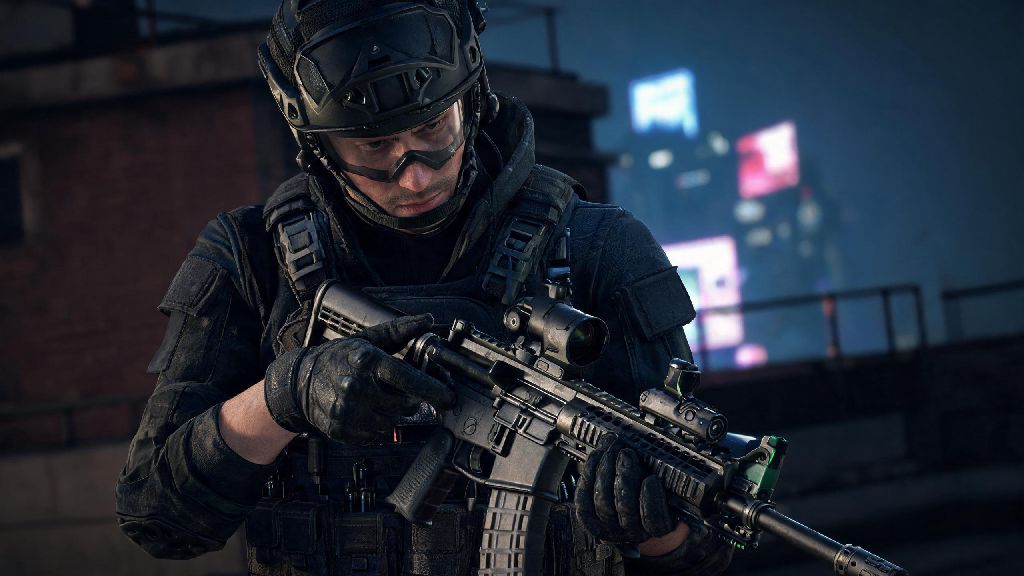
Anyone who’s spent even a few hours in Rainbow Six Siege knows small, cosmetic touches can make long grind sessions feel far more personal. Whether you’re showing off a rare weapon skin to your squad after a clutch round or just want to admire a new charm you unlocked, learning how to inspect weapon in Rainbow Six Siege is one of those tiny quality-of-life skills every player should know. It takes less than a second to pull off, but it’s easy to miss if you never looked up the controls or stumbled on it by accident mid-match. Even long-time players sometimes go months without realizing the feature exists, especially if they’ve never messed with their control settings beyond core movement and combat binds.
Platform-Specific Controls to Inspect Weapon in Rainbow Six Siege
The exact button or key you press to inspect your weapon varies depending on what platform you play on, and you can always customize the bind to fit your preferred layout. PC default key for inspection is the “I” key, positioned above the movement keys for easy access, though many players rebind it to a side mouse button if they have extra programmable inputs. It only takes a quick trip to the controls menu to adjust, so you don’t have to stretch for a far key every time you want to show off a new skin.
For console players, the default bind is a little more consistent across platforms. Console controls for both PlayStation and Xbox require you to hold left on the directional pad (d-pad) for roughly half a second to trigger the inspection animation. If you use a custom controller layout, you may need to remap the inspect function to a different input, as some pro layouts swap d-pad functions for faster access to ping or gadget controls. We recommend testing the bind in training grounds first to make sure you don’t fumble it when you want to use it mid-session.
What Can You Do With Weapon Inspections in R6 Siege?
Weapon inspections are mostly a cosmetic feature, but they have a handful of fun, practical use cases that make them worth learning. The most obvious use is showing off rare skins, limited-time event charms, or battle pass rewards to your squad between rounds. There’s no better feeling after grinding for a Black Ice skin for months than pulling it up for your friends to see right after you win a close ranked round.
Break up monotony during queue waits is another common use, especially if you spend a lot of time waiting for ranked matches to pop or for your team to finish pre-round setup. Many players use small downtime between matches to mess around with skins, check out new cosmetics, or take a short break from the high-stakes competitive tension. If you’ve got a couple minutes before your next ranked match pops, you might even mess around with a quick casual game to reset your focus, and lots of R6 players we’ve talked to enjoy loading up 777 Game for a low-stakes, quick round distraction that doesn’t require the same level of focus as a ranked Siege match.
Other common uses for weapon inspections include:
Common Mistakes to Avoid When Inspecting Your Weapon
While inspecting your weapon is a low-stakes feature, there are a few common mistakes new players make that can cost them rounds or cause unnecessary frustration. Don't try to inspect mid-engagement first and foremost. If you’re in a fight with an enemy, pressing the inspect bind will cancel any aim or fire input you have active, leaving you vulnerable for the full duration of the animation. Even a half-second delay can get you killed, so only use inspections when you’re in a safe spot with no immediate threats around.
Don't rebind inspect to a key you use for core actions either. We’ve seen dozens of new players bind inspect to a key right next to reload or melee, leading to accidental inspections mid-fight that cost them rounds. If you do want to rebind it, pick a key you don’t use for anything else during combat, like a spare side mouse button or a function key you don’t reach for during matches.
You also want to avoid spamming inspections during official competitive tournaments, if you play in amateur or semi-pro leagues. Many tournament rulesets restrict excessive cosmetic animations as a form of unsportsmanlike conduct, so you could get a warning or even a penalty if you spam inspections after every kill to taunt the other team. Save the silly animations for casual lobbies with your friends instead.
Hidden Facts About R6 Siege Weapon Inspections You Might Not Know
Most players only use inspections to show off skins, but there are a handful of hidden details about the feature that even long-time fans miss. Not all weapons have the same inspection animation for one thing. Rare legendary skins often have custom inspection animations that don’t appear on standard versions of the same weapon, and some limited-time event skins have unique easter eggs hidden in their animations, like little nods to previous Siege events or operator lore.
Some operators also have custom inspection animations tied to their backstories. For example, Thermite’s inspection animation includes a small tap to the front of his rifle that references his background as a demolitions expert, while Hibana’s animation has a quick flick of her wrist that matches her agile, fast-paced playstyle. You won’t notice these little touches unless you take the time to inspect your weapon on different operators, so it’s worth testing out on your favorite mains to see what hidden details you can find.
You can also turn off inspection animations entirely in the settings menu if you find them distracting. If you’re a hyper-competitive player who doesn’t care about cosmetic touches, you can disable the feature completely so you never accidentally trigger an inspection mid-fight. Most players leave it on for the fun of it, but it’s nice to have the option to turn it off if it gets in the way of your gameplay.
At the end of the day, learning how to inspect weapon in Rainbow Six Siege is a tiny skill, but it adds a lot of personality to your gameplay experience. You don't need it to climb ranks or win clutch rounds, but it's a fun little feature that makes the game feel more tailored to you, whether you're a casual player who just likes showing off skins or a competitive main who uses it as a lighthearted taunt after a big win. Take a minute to test the controls in training grounds first, adjust the bind if it doesn't fit your layout, and don't be afraid to show off that rare skin you spent months grinding for next time you win a round.