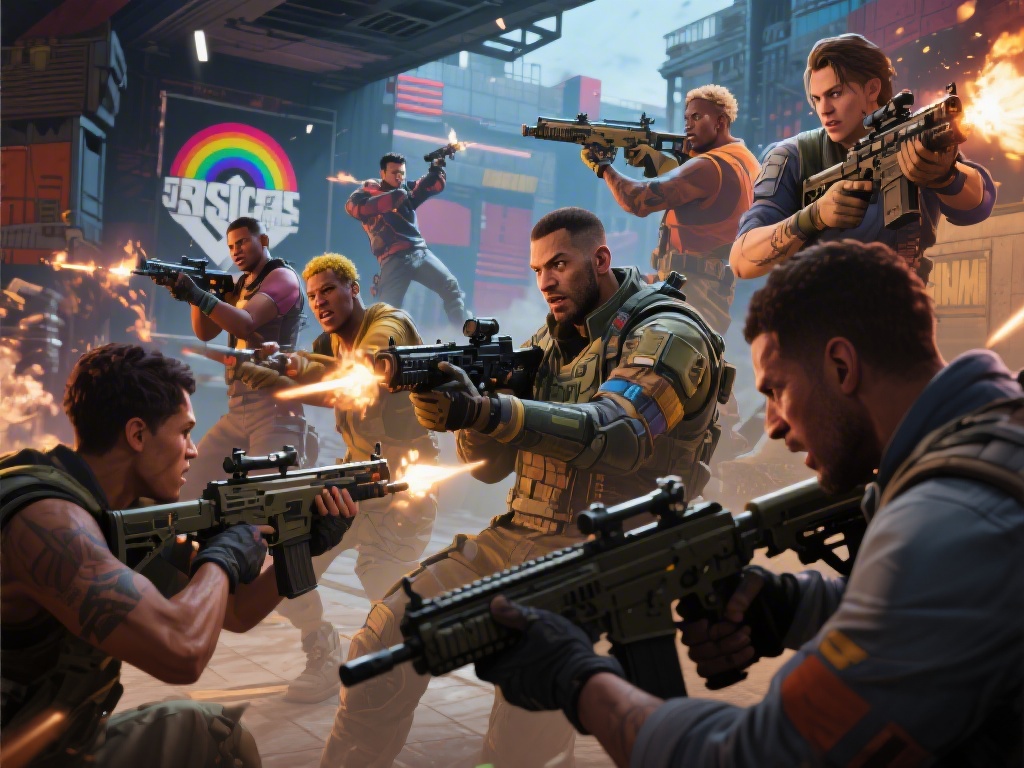
If you’ve ever wanted to squad up for a round of Rainbow Six Siege with a friend who uses a different platform, you’ve probably asked the question: can you play rainbow six siege with pc and xbox. It’s one of the most common questions new R6 players ask, especially as more people pick up the game across console and PC storefronts. This guide breaks down everything you need to know about crossplay between the two platforms, from setup steps to hidden limitations you won’t find listed on Ubisoft’s official FAQ.
Can You Play Rainbow Six Siege With PC and Xbox? Official Crossplay Rules
The short answer is yes, full crossplay between PC and Xbox consoles (both Xbox One and Xbox Series X/S) has been supported for all Rainbow Six Siege game modes since 2022. Crossplay between PC and Xbox is enabled for all game modes by default, so you don’t have to mess with extra settings right out of the box to play with friends on other platforms. The only official restriction is that you and your friend both need to have crossplay enabled in your account settings, and you’ll need to add each other as Ubisoft Connect friends to send squad invites. Cross-progression is also tied to crossplay, so if you link the same Ubisoft account to both your PC and Xbox copies of the game, you can carry over all your skins, operator unlocks, and rank progress between platforms for free. You don’t have to link accounts just to play together, though, so don’t worry if you want to keep your PC and Xbox progress separate.
Step-by-Step Setup to Play R6 Siege Across PC and Xbox
Setting up a crossplay squad between PC and Xbox takes less than five minutes if you follow these simple steps:
- Link both your PC and Xbox Siege accounts to the same Ubisoft Connect account if you want to share progress, or search for your friend’s Ubisoft display name to add them as a friend if you only want to squad up.
- Ensure crossplay is enabled in your in-game settings: navigate to Options > General, scroll to the Crossplay section, and toggle the setting to “On” for both platforms.
- Accept the friend request from your squadmate once it pops up in your in-game friends menu, which works the same way on both PC and Xbox.
- Invite them to your squad from the friends list, pick your desired game mode, and queue for a match just like you would with same-platform teammates.
You don’t need an extra crossplay-specific subscription to squad up across platforms, though Xbox players will still need an active Xbox Game Pass Core or Live Gold subscription to access online multiplayer as usual. If you run into issues sending invites, double check that you typed in your friend’s Ubisoft display name correctly, not their Xbox gamertag. Many players mix these up, which is the most common cause of crossplay invite errors.
Key Pros and Cons of PC vs Xbox Crossplay for R6 Siege
Crossplay between PC and Xbox isn’t perfect, but it has way more benefits than drawbacks for most casual players. The biggest upside is that you can play with all your friends no matter what platform they own the game on, which is a game-changer if you have a mixed group of PC and console players. You’ll also get much shorter queue times for all game modes, especially for less popular modes like Terrorist Hunt or custom community lobbies, since the crossplay player pool is far larger than same-platform pools.
The main downside that most players worry about is the input advantage, since mouse and keyboard is far more precise for aiming than a standard controller. Input-based matchmaking removes most of the advantage PC M+K players would have over controller users, though. If you’re playing on Xbox with a controller, you’ll only be matched against other controller users unless you squad up with a PC player who uses mouse and keyboard. Mixed input squads are placed in separate lobbies with other mixed input groups, so you won’t get stuck facing a full team of sweats on M+K if you’re playing on controller. The only other common complaint is occasional higher ping in crossplay lobbies, especially if you’re playing with friends in different regions.
Pro Tips to Improve Your Crossplay Experience Between PC and Xbox
After running crossplay squads with my console friends for over two years, I’ve picked up a few tricks to make the experience way smoother for everyone involved. First, if you’re an Xbox player playing with PC friends who use mouse and keyboard, try adjusting your aim assist settings to the “Advanced” preset to get more consistent aim against faster-moving opponents. If you’re on PC and want to level the playing field for your console squadmates, you can always switch to a controller to queue for controller-only lobbies, which tend to be more laid back for casual play.
Always check your ping before joining a crossplay squad to avoid ruining the match for your teammates, since high ping from one player can cause lag for the entire lobby. Stick to in-game voice chat for the most reliable cross-platform communication, since Xbox party chat won’t connect to PC players unless everyone has the Xbox app installed, and third-party chat apps can cause extra lag if you’re running them in the background. If you ever get tired of facing mixed input opponents, you can turn crossplay off entirely in your settings, just be prepared for much longer queue times, especially during off-peak hours on weekdays.
At the end of the day, the answer to whether can you play rainbow six siege with pc and xbox is a resounding yes, with very few hoops to jump through to get your squad up and running. The crossplay system is well-optimized at this point, with input-based matchmaking eliminating most of the fairness concerns that players had when the feature first launched. It’s never been easier to play one of the best tactical shooters ever made with all your friends, no matter what platform they prefer. If you’ve been holding off on buying the game because your friends play on a different platform, there’s no better time to give it a shot.