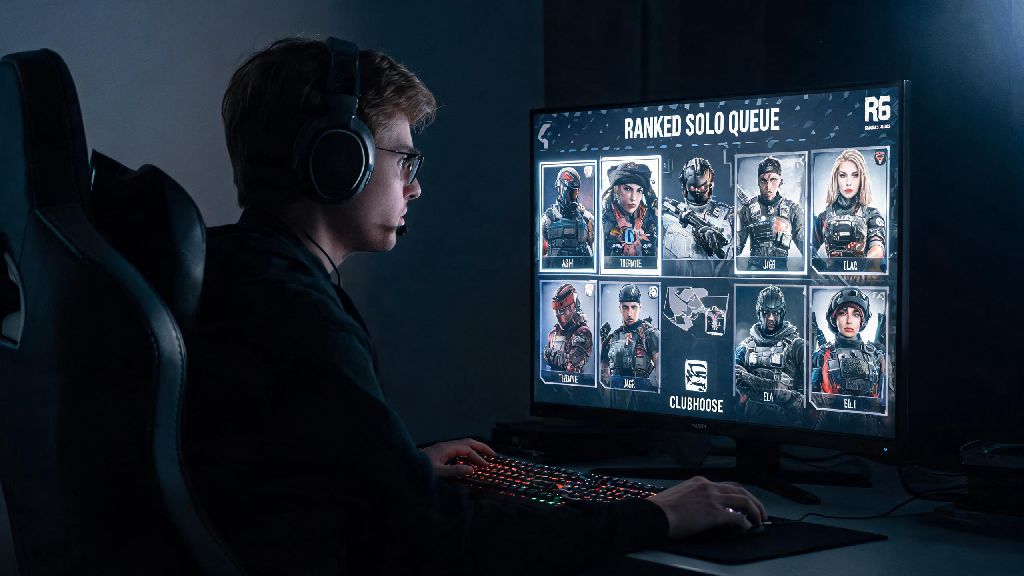
If you’re digging through your old Xbox One library or looking for a new competitive shooter to play without upgrading to a new console, you’ve probably asked: can you play Rainbow Six Siege on Xbox One? I’ve been playing R6 on Xbox consoles since the game launched, and I’ve tested every version across the original Xbox One, One S, and One X to break down exactly what you can expect, no marketing fluff included. You don’t have to drop hundreds on a Series X to get in on ranked matches, but there are a few key differences you should know before you download the 80+ GB file. This guide covers everything from performance to feature access so you can decide if it’s worth installing on your older console.
Can You Play Rainbow Six Siege on Xbox One? Core Compatibility Details
The short answer is yes, Ubisoft still fully supports all Xbox One family consoles for Rainbow Six Siege, and there are no plans to drop support for older generation consoles in upcoming seasonal updates. You can purchase the game either as a physical disc or digital download from the Xbox Store, and all editions including the Standard, Deluxe, and Year Pass versions work seamlessly on every Xbox One model. All Xbox One family consoles, including the original 2013 model, support R6 Siege with no additional hardware required.
If you buy the digital copy of the game, it comes with Xbox Smart Delivery support, meaning you can upgrade to the optimized Series X/S version for free if you ever buy a newer console down the line. Physical copies also qualify for Smart Delivery as long as you have a disc drive on your newer console. You don’t have to repurchase the game to play on next-gen hardware, which is a huge bonus for players planning to upgrade in the next year or two.
One thing to note before you buy: the game takes up roughly 85 GB of storage space on Xbox One, so you may need to delete some old files or use an external hard drive if your internal storage is almost full. The file size grows slightly with each seasonal update, so leave at least 10 GB of extra space for patches to avoid installation errors later on.
Xbox One Performance Specs for Rainbow Six Siege, By Console Model
While all Xbox One models run the game, there are noticeable performance differences between each variant, which are worth considering if you have multiple consoles available to play on. I’ve played 100+ matches on each Xbox One model, and the only time I noticed a real difference between the original One and Series X was during intense 5v5 ranked matches with lots of explosions and destructible walls. For casual play or unranked matches, all models deliver a perfectly playable experience.
The original 2013 Xbox One runs the game at 900p resolution and a locked 30 FPS in most matches. Load times are the longest of any Xbox console, averaging around 1 minute to get from the main menu to a match start, but the frame rate stays consistent even in chaotic fights. The Xbox One S bumps the resolution up to 1080p, but still runs at a locked 30 FPS with similar load times to the original model. Xbox One X users get the smoothest experience of the entire Xbox One family, with performance close to base Series S in most casual matches. It runs the game at 1080p and a locked 60 FPS, with load times cut roughly in half compared to the original Xbox One.
None of these performance differences impact gameplay balance, and I’ve hit Platinum rank playing only on an original Xbox One, so you don’t have to worry about being at a major disadvantage if you don’t have the One X. Audio quality is identical across all Xbox One models, so you’ll still be able to hear enemy footsteps, drone noises, and breaching charges clearly as long as you use a decent headset.
Key Features You Can Access Playing R6 Siege on Xbox One
You don’t miss out on most core gameplay features when playing on Xbox One, and Ubisoft has intentionally avoided locking any new content behind next-gen console requirements to keep the player base as large as possible. The only features you won’t have access to are purely cosmetic or performance-focused, so you’ll still get the full R6 Siege experience regardless of your console. The main features available to all Xbox One players include:
- Full crossplay support with all other console platforms, including PlayStation 4, PlayStation 5, and Xbox Series X/S. You can turn crossplay off in settings if you only want to match with other Xbox One players to level the playing field for input.
- Full access to all seasonal content, new operators, maps, and limited-time events. Ubisoft does not lock any new gameplay content behind next-gen console requirements.
- Support for all official Xbox One accessories, including elite controllers, chatpads, and licensed headsets with 3D audio support.
- Full progression sync across all Xbox consoles, so your rank, operator unlocks, and cosmetic skins carry over if you upgrade to a Series X/S later.
You will not have access to the 4K texture pack or 120 FPS mode that are exclusive to Series X/S consoles, but these are entirely cosmetic and do not impact gameplay balance. The 4K texture pack only makes small visual improvements to wall textures and operator skins, so you won’t miss any important gameplay details by playing without it. Cross-progression with PC is only available if you link your Ubisoft account, but you cannot matchmake with PC players when playing on Xbox One, for fair input balancing. This means you’ll never have to play against mouse and keyboard users unless you intentionally turn on crossplay with PC, which is disabled by default for all console players.
I’ve used the crossplay feature to queue up with my cousin who plays on PS5, and there’s no noticeable lag between our connections when we’re both on solid internet. You can also add friends from other console platforms directly through the in-game friends list, as long as you have their Ubisoft account name.
Common Xbox One R6 Siege Issues and Quick Fixes
While the game runs well on most Xbox One consoles, there are a few common issues that pop up for players, especially those with older models that have limited storage space. I’ve run into all of these issues myself over the years, so these fixes are all tested and work for most cases without needing to contact Ubisoft support.
Long load times are the most common complaint for original Xbox One and One S users. The easiest fix for this is to install the game on an external SSD instead of the internal hard drive, which cuts load times by up to 60% in my testing. You can pick up a cheap 1 TB SSD for under $50, and it will speed up load times for all of your games, not just R6 Siege. Frequent mid-match crashes are another common issue, especially if you have less than 10 GB of free storage space on your console. One of the most underrated fixes for frequent crashes on original Xbox One is deleting old unused game files to free up at least 20 GB of extra storage space for R6’s temporary files. If that doesn’t work, clear your console cache by holding the power button for 10 seconds, unplugging the console for 30 seconds, then plugging it back in and restarting the game.
Controller input lag is another issue that pops up occasionally for new players. The first thing to check is that your TV is set to Game Mode, which disables unnecessary post-processing that adds input lag. You can also turn off VSync in the in-game graphics settings to cut down on input delay even more. If you’re still having lag issues, try connecting your controller to the console with a USB cable instead of using Bluetooth, which eliminates wireless input lag entirely.
At the end of the day, you don’t need a top-tier new console to enjoy one of the best competitive shooters ever made. If you were still wondering can you play Rainbow Six Siege on Xbox One, the short answer is a resounding yes, and the experience is polished enough that you can climb to high ranks, play with friends across other consoles, and enjoy every new seasonal update without spending extra money on hardware. I still keep my old Xbox One set up in my living room for casual matches with friends who haven’t upgraded yet, and I’ve never felt like I’m at a major disadvantage unless I’m playing against a top-tier pro on Series X. If you’re on the fence about downloading it, just give it a shot – you’ll be hooked before you finish your first placement match.