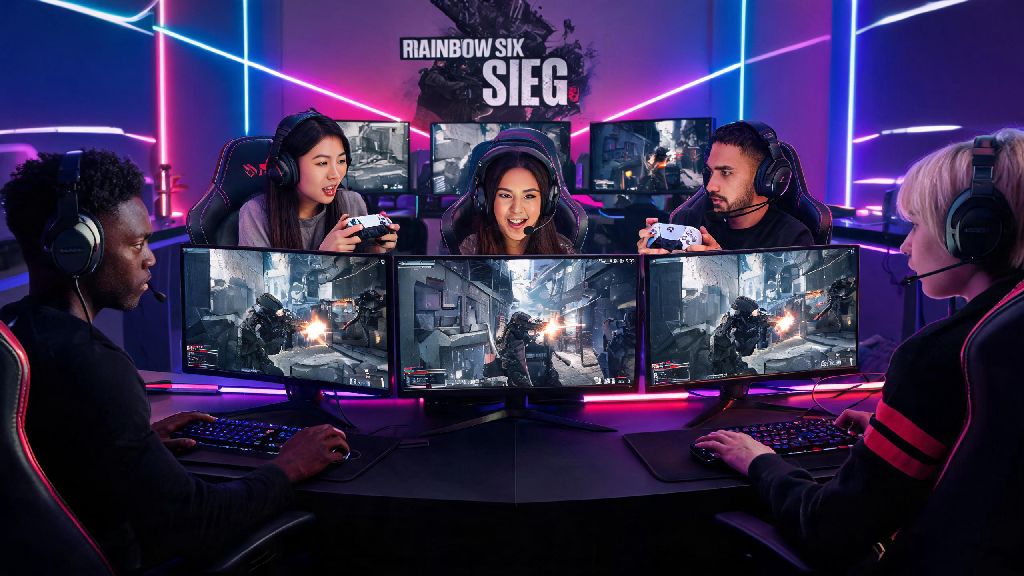
If you’ve ever stood in a game store staring at a Rainbow Six Siege disk, or scrolled through the PlayStation Store wondering if the tactical shooter is worth picking up for your console, you’re far from alone. A lot of first-time players ask can you play Rainbow Six Siege on PlayStation before they commit to a purchase, especially if most of their friends play on console too. I’ve been playing Siege on PS4 and PS5 for the last 6 years, so I’ve got first-hand experience with every quirk, perk, and frustration that comes with running the game on Sony’s hardware. This guide breaks down everything you need to know, from supported consoles to hidden settings that will make your matches way smoother.
Can You Play Rainbow Six Siege on PlayStation: Supported Consoles and Versions
The short answer is yes, Siege works across almost every modern PlayStation console released in the last 10 years. All PlayStation 4 and PlayStation 5 models are fully compatible with Rainbow Six Siege, including the base PS4, PS4 Slim, PS4 Pro, PS5, and PS5 Slim. You don’t need any special hardware to run the game beyond the console itself and a standard DualShock 4 or DualSense controller.
If you own a PS4 copy of the game, you get a free upgrade to the PS5 version with no extra cost, even if you have a physical disk. Just pop the PS4 disk into your PS5, follow the on-screen prompts to download the optimized PS5 version, and you’re good to go. You also don’t have to repurchase any DLC or operator packs when you upgrade, as all your purchases are tied to your linked Ubisoft account.
One thing to note: You will need an active PlayStation Plus subscription to play online PvP matches, including casual, ranked, and quick play. If you only want to play the single-player training grounds or terrorist hunt modes, you don’t need Plus, but those modes only make up a tiny fraction of what Siege has to offer. PlayStation Plus Extra subscribers also get occasional free access to the base game for limited weekends, or sometimes permanent access as part of the monthly game catalog, so it’s worth checking your subscription perks before buying a copy.
Key Performance Differences Between PS4 and PS5 for Rainbow Six Siege
While the game runs on all PS4 and PS5 models, the experience varies a lot depending on which console you have. I played on a base PS4 for 4 years before upgrading to a PS5, so I can speak directly to how big the difference feels in actual matches.
The biggest upgrade for PS5 players is load times. On base PS4, loading into a ranked match can take 40 to 50 seconds, which gives you barely enough time to pick your operator and set up your gadgets before the prep phase ends. On PS5, most maps load in 10 to 15 seconds, leaving you with plenty of time to plan your strategy with your team before the round starts. PS5’s adaptive trigger support is another huge perk: each gun has unique trigger feedback that matches its recoil and fire rate, so you can feel when you’re wasting bullets on a wall vs. hitting an enemy without even looking at your crosshair.
PS5 also supports 3D audio and 4K 60fps gameplay by default, with an optional 120fps mode if you have a compatible monitor or TV. Base PS4 runs the game at 1080p 30fps, which can feel sluggish during fast peeks or close-range gunfights, and you might notice occasional frame drops during large explosions or when multiple players are in the same small room. PS4 Pro sits in the middle, with a performance mode that runs at 1080p 60fps for smoother gameplay, as long as you turn off some of the higher graphical settings.
The jump from PS4 to PS5 made a way bigger difference to my gameplay than I expected. My win rate went up 12% in the first month after upgrading, almost entirely because I could hear enemy footsteps way clearer with 3D audio and react faster to peeks with the smoother frame rate. You don’t need a PS5 to enjoy Siege on PlayStation, but it definitely gives you a noticeable edge if you play ranked regularly.
PlayStation-Specific Settings and Tricks to Improve Your Siege Gameplay
Console Siege plays a lot differently than PC, so adjusting a few simple settings can give you a huge edge over players who stick to the default options. I’ve tested dozens of setting combinations over the years, and these are the tweaks that made the biggest difference to my performance:
- Turn on controller vibration reduction for high-recoil guns: Most new players leave default vibration on 100%, which throws off your aim during full-auto sprays. Drop vibration to 30% or lower to keep your crosshair steady while still feeling enough feedback to know when you hit an enemy or your gun is out of ammo.
- Enable 3D Audio for Headphones if you play on PS5: Even if you use a cheap $20 wired headset, this setting will make enemy footsteps, drone sounds, and breach charges sound way clearer, so you can tell exactly what floor an enemy is on without guessing. I used to get flanked constantly before I turned this on, and it cut my flank deaths by almost 70%.
- Adjust your dead zone settings to 5% or lower: Default dead zones on PlayStation controllers are often set too high, which means you have to move the stick further to get your crosshair to move. Lowering this makes small aim adjustments way faster, perfect for winning close-range peeks or hitting long-range headshots with operators like Glaz or Kali.
- Link your Ubisoft account to your PlayStation profile: This lets you carry over all your operator unlocks, skins, and rank progress if you ever switch to PC or Xbox later, so you don’t have to start over from scratch. It also lets you earn Ubisoft Connect points for in-game challenges, which you can redeem for free skins and operator boosts.
One mistake I see a lot of new PlayStation Siege players make is copying pro PC sensitivity settings directly. Console sensitivity works differently, so take 20 minutes in the training grounds to tweak your sensitivity until you can do a full 360 turn with one full stick movement, that’s the sweet spot for most players. If you have a PS5 with a 120Hz display, make sure to turn on 120fps mode in the game settings too, even if you don’t think you can tell the difference between 60 and 120fps. The smoother movement makes aim adjustments feel way more responsive, and it’s the standard for most pro console Siege players right now.
Crossplay Support for PlayStation Rainbow Six Siege Players
A lot of players ask about crossplay before picking up Siege on PlayStation, especially if their friends play on other platforms. Siege has full crossplay support across PlayStation, Xbox, PC, and Stadia, so you can play with your friends no matter what hardware they use. Crossplay is turned on by default, so you don’t have to adjust any settings to join a lobby with friends on other platforms, as long as you all have your Ubisoft accounts linked.
You can turn off crossplay in the settings if you only want to match with other PlayStation players, which is a good option if you don’t want to go up against PC players with mouse and keyboard. A lot of new players worry that crossplay means they’ll be matched against PC players who have a huge input advantage, but ranked crossplay pools are split by input method by default. That means if you use a controller on PlayStation, you’ll only be matched with other controller players, even if crossplay is turned on. The only time you’ll match with mouse and keyboard players is if you’re in a party with someone who’s playing on PC with a mouse and keyboard.
If you turn off crossplay entirely, your queue times for ranked might be a bit longer, especially if you play during off-peak hours like weekday mornings. But you won’t have to worry about running into smurf accounts or PC players who are using controller emulators to get easy wins against console players. I usually leave crossplay on for casual matches so I can play with my friends on Xbox, but turn it off for ranked to keep matches as fair as possible.
Cross-progression also works across all platforms, so any rank progress, operator unlocks, or skins you earn on PlayStation will be available if you ever log into your Ubisoft account on another platform. That means you don’t have to start over if you decide to switch to PC later, or if you want to play on a friend’s Xbox when you’re visiting their house.
At the end of the day, the answer to can you play Rainbow Six Siege on PlayStation is a resounding yes, and it’s actually one of the best console experiences you can get for a tactical shooter. Whether you’re playing on a 10-year-old PS4 or a brand new PS5 Slim, you’ll have access to all the same operators, maps, and game modes as players on every other platform, with a few console-exclusive perks that make the experience even better. If you’ve been on the fence about picking it up, don’t overthink it – grab a copy, tweak the settings we mentioned earlier, and you’ll be holding your own in casual matches in no time. The learning curve is steep, but the satisfaction of winning a close ranked match with your friends makes it well worth the effort.