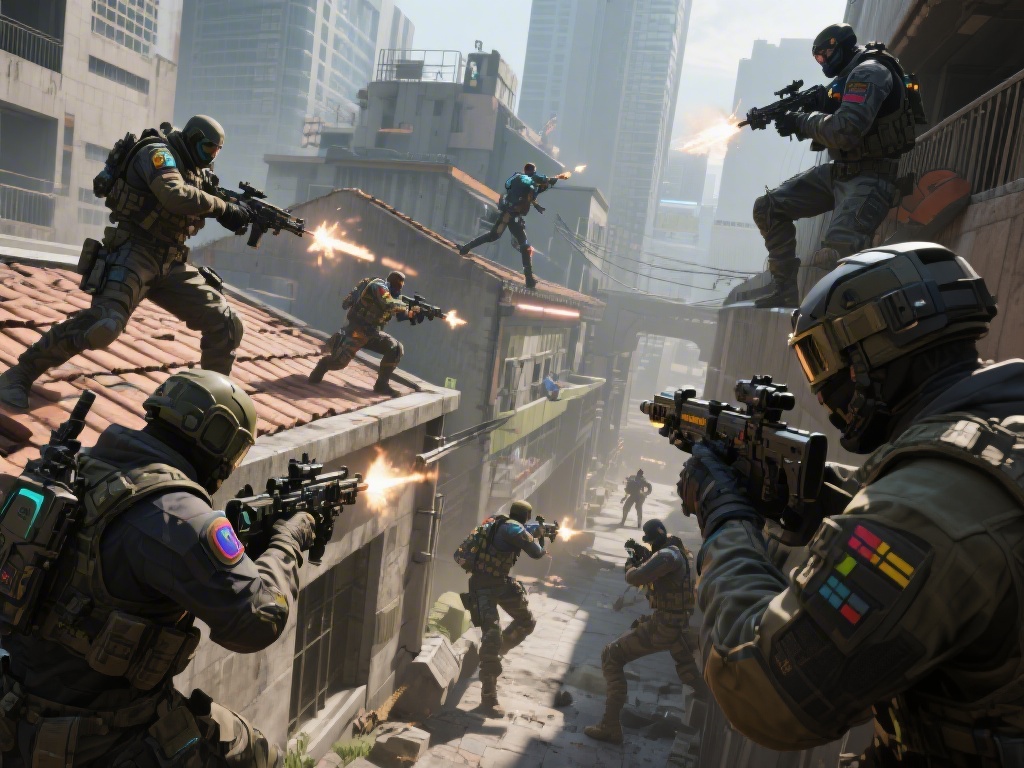
If you’re a PlayStation 5 owner who loves tactical first-person shooters, you’ve probably asked at some point: can you get rainbow six siege on ps5? The short answer is yes, but there’s a lot more to know about how the game runs on Sony’s latest console, what upgrades you’re eligible for, and how to get the best possible experience when you drop into a match. I’ve been playing Siege on PlayStation consoles since its 2015 launch, and I switched to PS5 as soon as it hit shelves, so I’ve tested every version of the game on the platform first-hand. This guide will break down everything you need to know to get Siege up and running on your PS5, no extra hassle required.
Can You Get Rainbow Six Siege on PS5: Eligibility and Upgrade Paths
You don’t have to buy a brand-new copy of the game to play on PS5 if you already own it for PS4, which is a huge win for long-time players. Ubisoft rolled out a free PS5 upgrade for all existing PS4 owners a few years back, and that offer is still available as of today. I upgraded my old PS4 copy back in 2022, and the whole process took less than 10 minutes, no extra fees or hoops to jump through. The exact steps depend on whether you own a digital or physical copy of the PS4 version, or if you’re buying the game for the first time.
- For digital PS4 copies: Log into your PS5 with the same account you used to buy Siege, navigate to the Siege store page, and select the free PS5 upgrade download option.
- For physical PS4 copies: Insert the disc into your PS5, navigate to the game’s hub page, and select the free upgrade option. You’ll need to keep the disc inserted to play the upgraded version.
- If you don’t own a previous copy: Search for Rainbow Six Siege on the PlayStation Store, select the PS5 native version, and purchase it directly to download immediately.
One important note: if you owned the PS4 version of Siege through a PlayStation Plus subscription that’s now expired, you won’t be eligible for the free upgrade. You’ll need to either resubscribe to Plus to access the game, or purchase a standalone copy of the PS5 version. Cross-generation save support is fully enabled, so all your operator unlocks, skins, rank progress, and in-game currency carry over automatically between PS4 and PS5 versions. You won’t lose any of your hard-earned gear when you upgrade, which is a big relief for players who’ve spent hundreds of hours grinding for rare skins.
Performance Differences Between PS4 and PS5 Versions of Siege
Now that you know can you get rainbow six siege on ps5, you might be wondering if the upgrade is even worth it if your PS4 copy runs fine. The short answer is absolutely, especially if you play competitively or care about smooth, immersive gameplay. The PS5 version has a ton of performance upgrades that make the game feel completely different from the older PS4 build, and I can never go back to playing on PS4 after experiencing the PS5 version for myself.
4K resolution and 60 FPS gameplay is enabled by default on the PS5 version, with zero frame drops even in intense 5v5 matches with lots of explosions and destructible environments. I used to get occasional frame drops on PS4 during ranked matches on Consulate, which would mess up my aim and cost me rounds, but I haven’t had that issue once on PS5. If you have a compatible HDMI 2.1 monitor or TV, you can also enable 120 FPS mode for even smoother gameplay, which is a game-changer for fast peeks and precise aim.
Load times are also drastically shorter on PS5. On PS4, loading into a ranked match used to take 45 seconds to a minute, on PS5 it’s usually under 15 seconds. That means you spend less time staring at loading screens and more time playing. 3D audio support is another huge upgrade, since hearing enemy footsteps, gadget beeps, and breach charges is half the battle in Siege. I can now pinpoint exactly where an enemy is moving two floors above me, which has won me so many more defensive rounds than I ever won on PS4.
Crossplay and Cross-Progression for PS5 Siege Players
One of the most common questions I get from players upgrading to PS5 is whether they can still play with friends who haven’t upgraded from PS4 yet. The answer is yes, cross-generation play is enabled automatically, so you don’t have to adjust any settings to squad up with friends on PS4. You’ll also be matched with PS4 players in casual and ranked queues by default, so queue times stay fast even if you disable crossplay with other platforms.
If you want to play with friends on Xbox or PC, you can enable full crossplay in the settings menu. Crossplay is enabled by default when you first install the PS5 version, so you don’t have to adjust any settings to play with friends on other platforms right away. You can turn crossplay off at any time if you only want to match with other PlayStation players, which is a good option if you’re worried about facing PC players with mouse and keyboard advantage.
Cross-progression also works across all platforms now, so if you also play Siege on Xbox or PC, your progress syncs across all devices as long as you link your Ubisoft account. That means if you unlock a new operator or earn a rare skin on your PS5, you’ll have access to it on your PC or Xbox copy too, no extra work required. The only caveat is that platform-exclusive skins, like PlayStation-specific operator skins, won’t carry over to other platforms, but all universal items will sync perfectly.
Common Troubleshooting Tips for PS5 Siege
While the upgrade process is usually smooth, I’ve run into a few common issues when helping friends set up the PS5 version of Siege over the years, and there are simple fixes for almost all of them. The most common issue people run into is the free upgrade option not showing up on the store page. If that happens to you, first make sure you’re logged into the correct Ubisoft and PlayStation accounts, and that your PS5 system software is up to date. I ran into this issue once when I was logged into a secondary account, and switching to my main account fixed it immediately.
If you’re getting frequent crashes or freezes mid-match, try clearing the game’s cache by turning off your PS5, unplugging it for 30 seconds, then plugging it back in and restarting. That fixes 90% of crash issues, and it only takes a minute to do. Make sure you have enough storage space before installing the PS5 version: the full game takes up around 75 GB, so you’ll want to free up space on your internal SSD or use a compatible PS5 extended SSD to avoid installation errors.
If you’re having audio issues, make sure 3D audio is enabled in your PS5 system settings, not just the in-game settings, to get the full spatial audio effect. If you own a physical PS4 copy and the upgrade won’t work, check that the disc isn’t scratched or damaged, and that you’re inserting it correctly into your PS5 disc drive. If none of these fixes work, you can reach out to Ubisoft support for help, but I’ve almost never had to go that far to fix an issue with the PS5 version.
At the end of the day, if you were wondering can you get rainbow six siege on ps5, the answer is a resounding yes, and it’s easily the best way to play the game on PlayStation right now. The free upgrade path means you don’t have to spend extra money if you already own the PS4 version, and the performance boosts make the whole experience feel smoother and more immersive, especially for competitive players. Whether you’re a long-time Siege vet switching from PS4 or a brand new player looking to jump into tactical FPS for the first time, the PS5 version of Siege is well worth downloading. Just follow the steps we laid out earlier, adjust your settings to match your setup, and you’ll be dropping into matches and clutching rounds in no time.