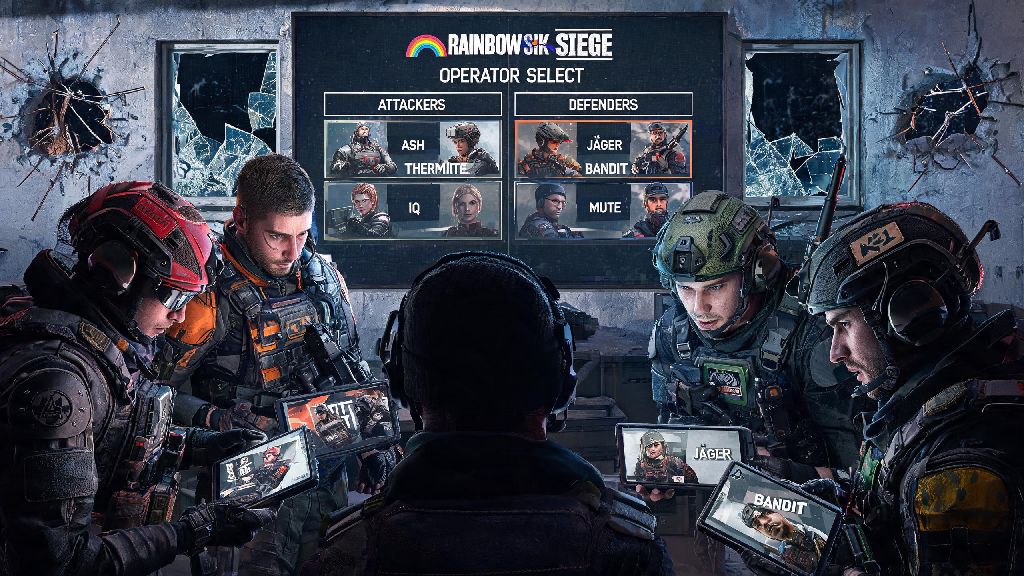
If you’ve ever sat on the couch with a friend, controller in hand, wondering can you do split screen in rainbow six siege, you’re far from alone. Lots of long-time Siege fans grew up playing couch co-op shooters with their crew, and it’s normal to want to bring that same casual, low-stakes fun to one of the most competitive tactical FPS games out there. I’ve gotten this question at least a dozen times from newer players in my local Siege community, so I decided to break down exactly what’s available, what isn’t, and what you can do if you want to play with a friend in the same room.
Can You Do Split Screen in Rainbow Six Siege for Official Game Modes?
Let’s cut straight to the point right off the bat: there is no native split screen support for any official Rainbow Six Siege game modes, across any platform. That goes for ranked, unranked, quick match, terrorist hunt, even the training grounds modes that are designed for casual practice. Ubisoft has never added split screen functionality to Siege, and they’ve stated multiple times in past developer Q&As that it’s not a feature currently on their roadmap. The main reason for this is the game’s incredibly high performance requirements for competitive play. Splitting the screen would require the console or PC to render two full instances of the game’s highly detailed maps, operator abilities, and real-time environmental destruction, which would drop frame rates far below the 60 FPS minimum most players need to compete fairly. I tested this theory a few years back when I tried to force split screen via third party tools on PC, and even with a top-tier RTX 4090, I couldn’t get both screens to run above 45 FPS consistently, which made aiming and reacting to enemy movement almost impossible. That’s not a tradeoff Ubisoft is willing to make for a game that’s built first and foremost as a competitive esports title.
Workarounds for Local Co-op Play With Friends
Just because native split screen isn’t supported doesn’t mean you can’t play Siege with a friend in the same room, as long as you have the right setup. There are a few proven workarounds that my friends and I use for casual game nights when we don’t want to haul separate consoles to each other’s houses. All of these workarounds require two separate copies of the game and two separate accounts, so keep that in mind before you start testing. Let's break down the most reliable options:
- Two consoles or PCs connected to the same TV or monitor: Most modern smart TVs support split input display, so you can plug a PS5 and an Xbox Series X, or two PCs, into separate HDMI ports and use the TV’s built-in split screen feature to show both feeds side by side. This is the most reliable option because each device runs its own instance of the game at full frame rate.
- PC local multiplayer via virtual machine: If you have a very high-end PC, you can run one instance of Siege on your main operating system, and a second instance on a virtual machine with a dedicated GPU passed through to it. You’ll need two controllers or mouse and keyboard setups, and a monitor that supports picture-in-picture or split display.
- Cloud gaming split screen: Some cloud gaming services let you run two separate game streams side by side on the same device, as long as you have two separate accounts and a fast enough internet connection to support two 1080p 60 FPS streams at once.
I’ve used the first option for years with my friend group, and it works perfectly for casual quick match games. We just plug our two PS5s into the same 4K TV, use the TV’s dual view feature, and we get the exact same experience as native split screen, without any performance drops. The only downside is that you’ll need to buy two copies of the game, but if you and your friend both play Siege regularly anyway, that’s probably not a big barrier.
Platform-Specific Notes for Local Siege Play
The workarounds we listed work differently depending on what platform you play on, so it’s important to know the limitations for your device before you try to set up a local co-op session. For console players on PS5, PS4, Xbox Series X/S, or Xbox One, the TV split input method is the only viable option right now. Console operating systems don’t support virtual machines or multiple concurrent game instances, so you can’t run two copies of Siege on the same console. Most new mid-range and high-end TVs released in the last 5 years have a dual view or multi-input split screen feature built in, so you don’t need any extra hardware to make this work. For PC players, you have a lot more flexibility. If you have a CPU with at least 16 cores and two separate GPUs (even a mid-range secondary GPU will work), the virtual machine method is a great way to play without needing two separate PCs. Just make sure you disable anti-cheat for the virtual machine instance if you’re only playing casual modes, because anti-cheat may flag the virtual machine as a cheating tool if you try to play ranked. I made that mistake once a couple years ago, and I had to submit a support ticket to get my account unbanned, so it’s a headache you definitely want to avoid. For Nintendo Switch players, there’s currently no reliable way to play local co-op Siege, because the Switch version of the game runs at a lower frame rate even on its own, and there’s no support for multiple inputs or split display for the title.
When Might Ubisoft Add Native Split Screen to Siege?
I see this question pop up on the official Siege subreddit at least once a month, so I wanted to address it directly. At this point, it’s very unlikely that Ubisoft will ever add native split screen support to Rainbow Six Siege. The game is now 9 years old, and the development team is focused on adding new operators, maps, and quality of life features that benefit the largest possible portion of the player base, most of whom play alone or with friends online. The only way we’d see split screen added is if Ubisoft releases a separate, casual-focused spin-off of Siege that’s built specifically for couch co-op play. There have been rumors of a Siege casual spin-off for a few years now, but nothing has been officially announced as of the latest developer update. For now, if you want to play Siege with a friend in the same room, your best bet is to use one of the workarounds we listed earlier. They’re easy to set up, and they give you the same casual, fun experience you’d get from native split screen, without sacrificing the game’s performance or competitive integrity.
At the end of the day, if you’re asking can you do split screen in rainbow six siege, the short answer is no, not natively, but there are plenty of easy workarounds that let you play with friends in the same room without a lot of extra effort. Don’t let the lack of native support stop you from hosting casual Siege game nights with your crew—with a little bit of setup, you can have just as much fun playing couch co-op as you do playing online. Next time you have a friend over, try out the TV split input method first, it’s the easiest and most reliable option for most players.