If you’ve ever asked can Xbox and PC play Rainbow Six Siege together, you’re not alone. Thousands of players split across console and PC want to team up for casual, unranked, or custom matches without switching devices. I’ve spent the last three years playing Siege across both Xbox Series X and PC, testing crossplay settings with friends on every Xbox generation, so I’ve broken down everything you need to know to get your squad in the same lobby, no unnecessary headaches involved. You won’t have to dig through buried Ubisoft support pages or test random setting tweaks to make it work.
Can Xbox and PC Play Rainbow Six Siege Together? Crossplay Compatibility Breakdown
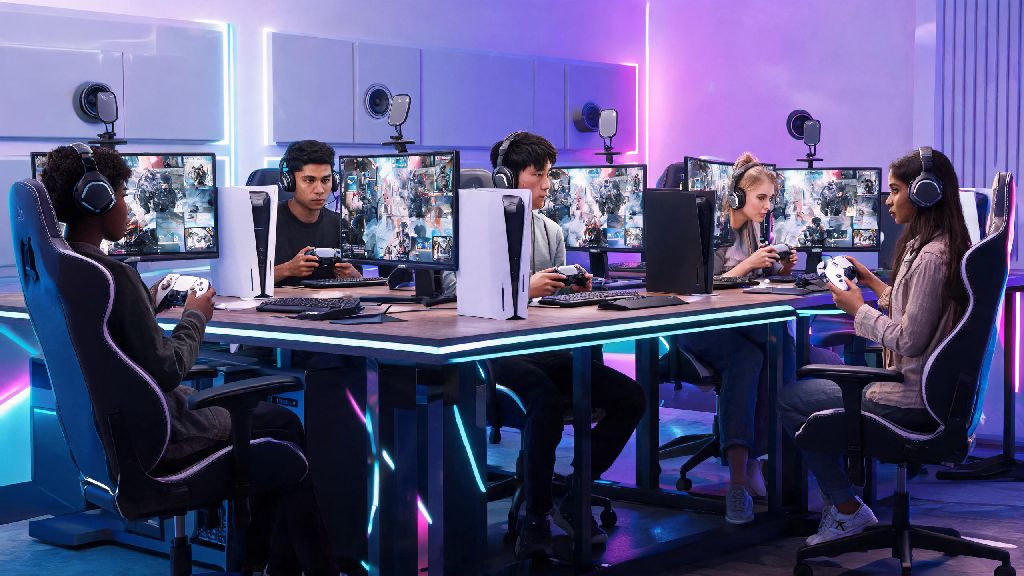
The short answer is yes, full crossplay between Xbox One, Xbox Series X/S, and PC is officially supported for almost all game modes. Ubisoft rolled out the crossplay update for PC and console back in 2022 after years of player requests, and it’s been updated regularly to fix bugs and expand support. It works for both the Steam and Ubisoft Connect versions of the PC game, so you don’t have to worry about which store your friend bought their copy from. All crossplay sessions require both players to have their Ubisoft Connect accounts linked to their respective platform accounts, but that process only takes a minute if you haven’t done it already. The only mode with minor restrictions is ranked play, which uses input-based matchmaking by default to keep competition fair. That means if you queue for ranked with a PC player who uses mouse and keyboard, your entire squad will be placed in the mouse and keyboard ranked pool, even if most of you play on controller. You can toggle this setting off if you prefer, but it will make your queue times significantly longer, especially during off-peak hours.
How to Set Up Crossplay Between Xbox and PC for Rainbow Six Siege
The setup process is far simpler than most players expect, and you won’t have to download any extra software to make it work. First, open Siege on your Xbox, navigate to the settings menu, and select the “Crossplay” tab. Make sure the crossplay toggle is switched on, and that your profile is set to visible to cross-platform players. Then do the same on your PC copy of Siege, whether you’re playing through Steam or Ubisoft Connect. Next, you’ll need to add your friend to your in-game Ubisoft friends list. I ran into this issue last year when I tried to add my friend who only shares his Xbox gamertag online, and I spent 10 minutes searching for the wrong ID before I realized my mistake. Always search for your friend’s Ubisoft Connect username, not their platform-specific ID, to send crossplay friend requests. You can find your own Ubisoft username in the top right corner of the in-game main menu, or in your Ubisoft Connect account settings. Once your friend accepts the request, you can invite them to your lobby just like you would a friend on the same platform. If you don’t see the invite option, double check that both of you have the latest game patch installed, as older versions of Siege don’t support crossplay between PC and Xbox. You also don’t need any extra subscriptions beyond Xbox Live Gold for Xbox players, and no extra fees for PC players.
Key Limitations and Tips for Smooth Xbox-PC Siege Crossplay
While crossplay works well for the most part, there are a few small limitations and common pitfalls that can ruin your session if you don’t know about them ahead of time. Queuing with a PC player will pull your entire lobby into the mouse and keyboard matchmaking pool, even if most of your squad uses controller. That’s not a big deal for casual matches, but it can feel frustrating if you’re a newer controller player going up against experienced mouse and keyboard users who have faster aim and reaction times. If you want to avoid most common crossplay issues, keep these rules in mind:
- Don't disable crossplay in your settings if you plan to play with PC friends, as this will restrict your lobby to only Xbox players automatically
- Avoid queuing for ranked if your squad has a mix of new and experienced players, as crossplay ranked lobbies tend to have a wider skill range than platform-only lobbies
- Make sure all players have the same downloadable content installed if you plan to play custom matches, as missing map packs or operator bundles will prevent you from joining the same lobby
Is Crossplay Between Xbox and PC for Rainbow Six Siege Worth It?
Whether crossplay is right for you depends almost entirely on what you’re looking for out of your Siege sessions. If you’re playing for fun with friends who are on different platforms, it’s absolutely worth turning on. You’ll get much faster queue times for less popular modes like Terrorist Hunt or custom scrims, and you won’t have to buy a second copy of the game to play with your whole friend group. You can also use crossplay lobbies to practice against mouse and keyboard players if you’re trying to improve your controller skills for higher level ranked play. If you’re a serious ranked player trying to grind to Champion or higher, you might want to stick to platform-only lobbies if you play on controller. The mouse and keyboard aim advantage is real, and you’ll be at a consistent disadvantage against equally skilled players using mouse and keyboard. That said, if you’re a PC player who prefers using controller, you can toggle input-based matchmaking on to be placed in controller lobbies even when playing crossplay with Xbox friends. Ubisoft’s BattlEye anti-cheat is active for all crossplay lobbies, so cheat reports are processed the same way regardless of platform. While there’s a small chance you’ll run into more cheaters in PC lobbies than Xbox-only lobbies, Ubisoft has cracked down heavily on cheating in recent years, and the risk is minimal for most casual players. You can report cheaters the same way you would in a platform-only lobby, and bans are applied across all platforms linked to the offending player’s Ubisoft account.
So to answer the question of can Xbox and PC play Rainbow Six Siege together: yes, with very few limitations and a simple setup process. As long as you take the time to link your Ubisoft accounts, adjust your matchmaking settings to fit your playstyle, and watch for the common pitfalls we covered, you can have a great time playing with friends across both platforms. Next time you and your cross-platform squad are looking to queue up, you won’t have to waste time troubleshooting settings before you jump into your first match. Just make sure you’ve got a solid operator combo picked out before you load into the map.