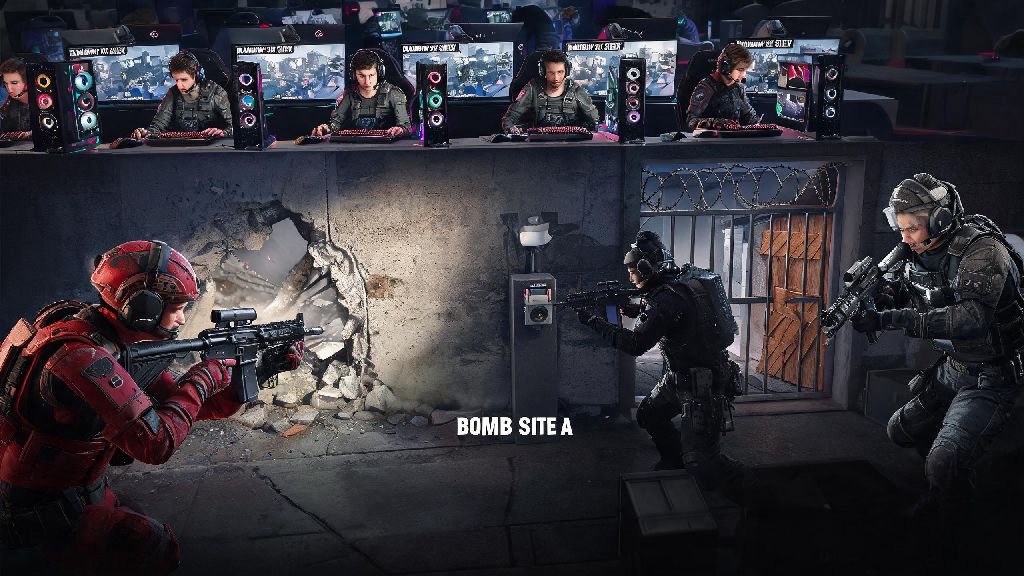
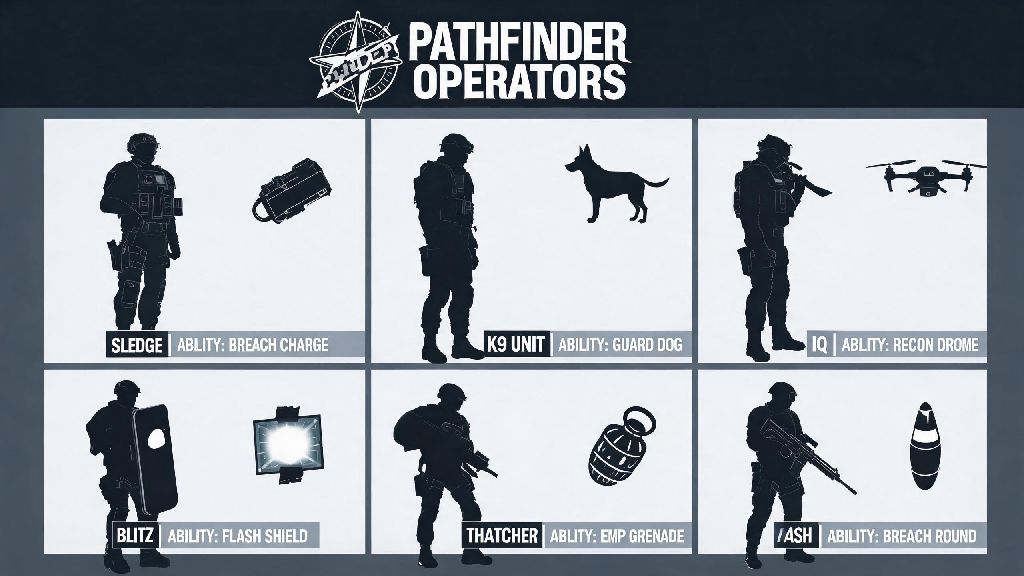
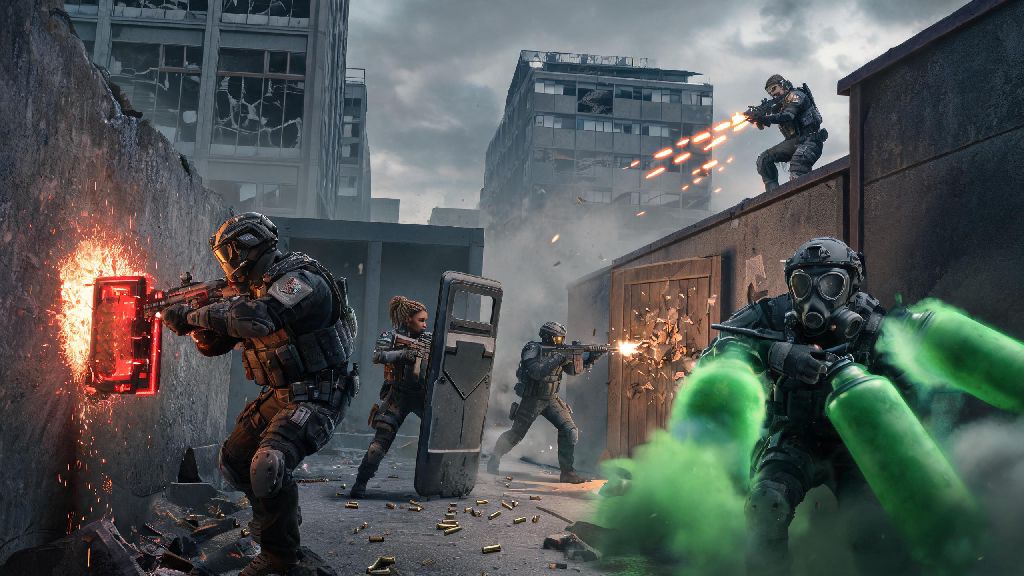
If you’ve got a group of friends split between PS4 and Xbox, you’ve probably spent way too much time debating which game you can all play together. Rainbow Six Siege is one of the most popular tactical shooters out there, so it makes sense it’s at the top of your list. If you’ve been asking whether can PS4 play Rainbow Six Siege with Xbox, you’re not alone. Thousands of players search for this exact question every month, especially as crossplay becomes a standard feature for most modern multiplayer games.
Can PS4 Play Rainbow Six Siege With Xbox? Official Crossplay Rules
The short answer is yes, PS4 players can fully squad up and play against Xbox One, Xbox Series X, and Xbox Series S players in Rainbow Six Siege. Ubisoft rolled out full console crossplay for the game back in 2022, after years of requests from the community. All console versions of Rainbow Six Siege share the same crossplay pool, so you won’t be restricted to only playing against users on your exact console model. The only exception is PC players, who are kept in a separate crossplay pool to avoid fairness issues between mouse and keyboard and controller input. You don’t have to pay for any extra content or subscriptions to access crossplay, either, as long as you have an active PlayStation Plus or Xbox Live subscription to play online, which you already need for Siege multiplayer anyway.
How to Set Up Crossplay Between PS4 and Xbox for Rainbow Six Siege
Getting crossplay working between PS4 and Xbox is far simpler than most players expect, as long as you follow the right steps. The biggest mistake most people make is trying to add each other via their platform gamertags, which won’t work for crossplay. You’ll need to use your Ubisoft accounts to connect, since crossplay runs through Ubisoft’s servers rather than Sony or Microsoft’s. Follow these simple steps to get your squad connected fast:
- Update Rainbow Six Siege to the latest patch on both consoles to avoid version mismatch errors that block crossplay connections
- Navigate to the General settings tab in the game menu and confirm crossplay is enabled for both accounts (it’s turned on by default, but sometimes updates toggle it off)
- Add your friend using their exact Ubisoft username (including any special characters or numbers), not their PSN or Xbox gamertag, to send a squad invite
- Wait for the invite to pop up on their end, accept, and you’re ready to queue for casual, unranked, or ranked matches together
Once you’re in a squad together, you’ll have access to all the same game modes you would if you were playing on the same platform. Ranked crossplay between PS4 and Xbox uses a shared MMR pool, so your rank will match against players of similar skill across all consoles, no matter what device they’re using. You don’t have to worry about being matched against much higher rank players just because you’re playing cross-platform.
Common Crossplay Issues Between PS4 and Xbox (And How to Fix Them)
Most of the time, crossplay works seamlessly right after setup, but there are a few common issues that pop up for new users. The most frequent complaint is that squad invites don’t show up for the other player. If this happens to you, first double check that both of you have crossplay enabled in settings, and that you added the correct Ubisoft username. Even one wrong character in the username will send the invite to the wrong person, so double check spelling before sending. Another common issue is version mismatch, which happens when one player hasn’t installed the latest game update. Consoles don’t always auto update games if you have limited storage, so manually check for updates on both devices if you get this error. Crossplay voice chat does not use your console’s native party system, so you’ll need to use in-game voice or a third-party app like Discord to talk to each other. If you can’t hear each other in game, make sure your voice chat setting is set to “Team” rather than “Platform Only” in the audio settings tab. Lag during crossplay matches is rarely caused by crossplay itself, and is almost always tied to server location. Pick a server that’s geographically close to all members of your squad to cut down on ping and lag spikes.
What Else You Should Know About PS4 and Xbox Crossplay for Siege
Crossplay isn’t the only feature you get access to when playing across PS4 and Xbox. You also get full cross-progression, which means you can carry over all your operators, skins, renown, and rank progress between consoles if you ever switch devices. Cross-progression is automatically enabled when you link your console accounts to the same Ubisoft profile, so you don’t have to do any extra setup to access it. The only items that don’t carry over are platform exclusive skins, like PlayStation-themed operator skins that are only available to PS4 users. If you don’t want to play against or with players on other platforms, you can toggle crossplay off in the general settings tab at any time. Just keep in mind that turning off crossplay will drastically increase your queue times, especially for ranked matches, since you’ll only be matched with other players on the same console as you. A lot of players worry about crossplay giving one platform an advantage over the other, but Ubisoft has taken steps to make sure that’s not the case. Ubisoft has enforced equal input settings across all console platforms to prevent crossplay advantages, so controller sensitivity, aim assist, and frame rate caps are identical for all last-gen and current-gen console players. You won’t have to worry about going up against someone with an unfair edge just because they’re playing on a different console.
So to answer the question once more: can PS4 play Rainbow Six Siege with Xbox? Absolutely, as long as you follow the simple setup steps we covered. I’ve been playing with a group of friends split between PS4 and Xbox Series S for over a year now, and we’ve only run into minor connection issues once or twice, which were fixed with a quick game restart. It’s opened up way more opportunities to play together without having to argue about which console is better, which is a huge win for anyone with a cross-platform friend group. If you run into any issues we didn’t cover, double check your Ubisoft account link status first, that’s the root of almost all unlisted crossplay problems.